App Reviews
Zoom vs Google Meet for Small Business Client Meetings
Choose a meeting service by who is hosting, how long the group needs and how guests will get in. A booking page and a video meeting solve different jobs.
Published , 7 min read, by Copied Editorial team
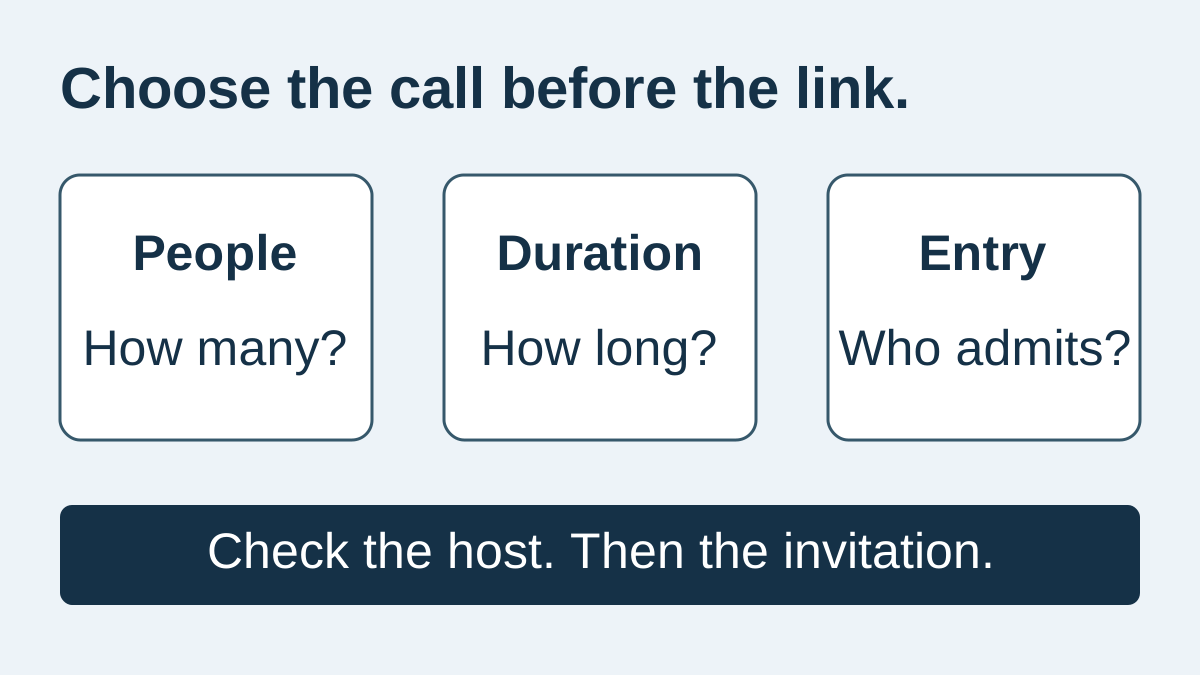
Start with the meeting you need to hold. For a group call longer than 40 minutes but within an hour, Google Meet's basic allowance may fit where an ordinary Zoom Basic-hosted call does not. For shorter calls, either can be a candidate. Check the actual host's account and the guest's entry route before choosing; a familiar app name does not establish those details.
This documentation-based comparison is for independent service providers arranging ordinary client conversations. We reviewed official sources on October 19, 2026. We did not run calls, measure audio or video quality, or test guest admission on particular devices. Copied publishes this guide; its optional role is reusing reviewed preparation wording after you choose the meeting service.
Compare the call, the host and the guest
| Requirement | Zoom Basic | Google Meet basic consumer meetings |
|---|---|---|
| Group duration to plan around | Ordinary Basic-hosted meetings: 40 minutes | Meetings with three or more participants: one hour |
| Standalone basic capacity | Up to 100 participants on a standalone Basic account | Up to 100 participants |
| Host detail that matters | The host's assigned license, not only the account's paid status | The Google account's edition and relevant administrator controls |
| Guest entry to check | Available browser/app route and account requirements | The guest's account context and who will admit them |
| What this comparison does not establish | Call quality or a working path for your particular client | Call quality or a working path for your particular client |
The duration and capacity rows come from Zoom's time-limit policy, Zoom's participant-limit guide and Google's basic-feature documentation. They describe the specified basic arrangements, not every paid edition, account configuration or exception. Recheck the host you intend to use before making a promise to a customer.
If the problem is finding an available appointment time, use the Calendly and Google Calendar appointment-scheduling comparison. This article owns a different decision: which service can hold the conversation once a time is agreed. The everyday small-business app stack covers the broader software shortlist.
Free meetings and paid host access are different checks
Google's Meet product overview describes no-cost meeting creation for Google Account holders. That is a usable basic offer, separate from trying a paid Workspace subscription. Google's feature help distinguishes consumer access from Workspace editions and administrator restrictions. Do not read the presence of a feature on a product page as proof that the intended host can use it.
For a group of three or more, the basic one-hour limit is the relevant starting point. Google documents a separate rule for one-to-one meetings; check the current help and your account if you are planning a long individual consultation. Do not assume that a separate one-to-one allowance applies after a third person joins.
Zoom's policy applies the ordinary 40-minute limit to meetings hosted by a Basic user on a free or paid account. A business having a paid Zoom account does not by itself mean that the person hosting this call has a paid license. Check the assigned host rather than relying on what a colleague's meeting allowed.
Capacity needs its own check. Zoom lists 100 participants for a standalone Basic account, but also explains that a Basic user inside some business accounts can inherit a different account capacity. An attendance allowance and a duration allowance are different constraints. More permitted people does not establish that the particular host can run a longer session.
If recording, transcripts, additional host roles or another advanced feature is essential, write it down before comparing offers. Verify that requirement against the current account and edition. This article does not provide a paid-plan price table or classify those features as included in either basic offer. A trial is not evidence of continuing access after it ends.
A meeting link is not proof that a guest can enter
Google's computer joining instructions describe a person without a Google Account entering a name and asking to join, with someone in the meeting admitting them. The same documentation explains account and administrator distinctions. Do not turn that computer path into a promise that any customer on any phone will enter immediately without an account.
Zoom's browser-link documentation describes a browser route controlled by meeting/account settings, with separate desktop and mobile-browser options. It notes that mobile web has less functionality than desktop web, and that some guests may be prompted to sign in. A generic “no download required” line is therefore insufficient preparation for a real client.
Choose the intended guest route before sending instructions. Ask whether the customer will use a computer browser or a phone app, and inspect that route with harmless details. Keep the meeting's access requirements; do not loosen them merely to obtain a convenient demonstration. If a managed device or account prevents entry, agree an appropriate alternative before the appointment.
Make admission someone's responsibility. A customer waiting outside the meeting needs a clear next step, while the host needs to know which request belongs to the expected guest. Keep the actual event information and any access details in the current invitation rather than in a generic message that will be reused for unrelated customers.
Use a meeting requirements card before adopting another app
Consider a fictional freelance designer reviewing a project with a customer. The designer sometimes invites a second decision-maker, so the meeting may become a group of three. This is an editorial illustration, not a customer story or a report of tested account behaviour.
| Card field | Write down | Why it can change the choice |
|---|---|---|
| People | Host plus expected guests; note anyone likely to join later | A one-to-one assumption may become a group meeting |
| Duration | The actual conversation plus room for questions | An agenda that fits on paper may still exceed the basic session |
| Host | The account and person who will start this meeting | Another person's paid entitlement is not the intended host's allowance |
| Entry | The guest's intended device/account route and who admits them | A link that opens for the organiser may not admit the customer |
| Required output | Only the features the work actually needs | An essential advanced feature can rule out a basic offer |
| Fictional call | Basic-plan reading | Decision to make |
|---|---|---|
| 25-minute review, three people | Below both stated basic group-duration limits | Either remains a candidate; verify the host and guest route |
| 55-minute review, three people | Beyond ordinary Zoom Basic's 40 minutes; within Meet's one-hour basic group limit | Consider Meet if the remaining requirements fit, or verify suitable paid Zoom host access |
| 75-minute workshop, five people | Beyond both stated basic group-duration limits | Check an appropriate entitlement or redesign the session before inviting people |
These examples are comparisons with documented limits, not measured performance. They do not assume that restarting a timed-out call is an acceptable customer experience. If the agenda cannot fit, resolve the duration before the meeting rather than advertising an uninterrupted session that the selected host cannot provide.
- Use a short, harmless practice event with the exact host account you plan to maintain. Note the assigned license or edition and the relevant group-duration allowance.
- Inspect the invitation from the guest's intended context. Check the entry route, any account requirement and who can admit the expected person.
- Rehearse the feature the appointment actually needs, such as presenting the intended material. Do not infer that an unrelated premium feature is included.
- Ask what changes if another person joins or a different colleague becomes host. Recheck the requirements card when either changes.
- Confirm the actual date, time zone, current joining address and agreed fallback before sending the real invitation.
Keep the result modest: a practice check gives you evidence about that account and route at that time. It does not prove that every client device or future meeting will behave identically. Keep an existing service if it already satisfies the card; another subscription needs a specific unmet requirement.
Where Copied fits around the invitation
Copied's product overview describes Keys for reusable wording in compatible iPhone and iPad fields. That can fit a separate recurring job: explaining what to prepare or how you will handle a guest waiting for admission. Copied does not choose the host license, create the meeting, admit a customer, record the call or send the invitation automatically.
Fictional preparation draft: Before our review, please have the current version of the project ready. Use the joining details in the current calendar invitation. If you cannot enter, contact me through our agreed channel.
Keep stable preparation wording separate from event-specific information. Check the person, date, time zone and current meeting address yourself. Do not put a reusable room passcode or a customer's private meeting details into a general preparation Key; a text library is not the event's access-control system.
For the delivery step, see email templates on iPhone. The saved-link maintenance guide explains why a retained destination needs review. A customer-specific meeting address should not be treated as an evergreen public booking link just because both are URLs.
Choose one service against one real meeting
Use the requirements card to rule out a duration or access mismatch first. Meet's basic group allowance may suit a call that outlasts an ordinary Zoom Basic session; Zoom can still fit a shorter appointment when the actual host and guest route meet the requirements. If neither basic offer fits the planned session, verify an appropriate current entitlement rather than relying on a trial or another person's account.
If preparing the same explanation is the remaining repeated work, explore Copied for iPhone and iPad through the existing App Store download route. Evaluate one harmless preparation Key in a field you use, review the event facts and send it yourself. Choose the meeting service for the call; add a wording library only when you need that separate capability.
References
- Google Meet product overview No-cost meeting offer for Google Account holders. Reviewed October 19, 2026.
- Learn about features in Google Meet Basic participant and group-duration limits; edition and administrator restrictions. Reviewed October 19, 2026.
- Join a meeting — Computer Computer guest admission and account-policy distinctions. Reviewed October 19, 2026.
- Understanding time limits for Zoom Meetings Basic-hosted meeting duration and assigned-license distinctions. Reviewed October 19, 2026.
- Understanding meeting participant limits Standalone Basic capacity and account/user-type differences. Reviewed October 19, 2026.
- Enabling or disabling the Join from your browser link setting Browser-join availability, account controls and mobile-web limitations. Reviewed October 19, 2026.
- Copied product overview Manual Keys reuse in compatible iPhone and iPad fields. Reviewed October 19, 2026.