App Reviews
Calendly vs Google Calendar Appointment Schedules for Small Business
One booking page or a separate scheduling service? Compare the actual free allowances, account requirements and mobile maintenance before choosing.
Published , 6 min read, by Copied Editorial team
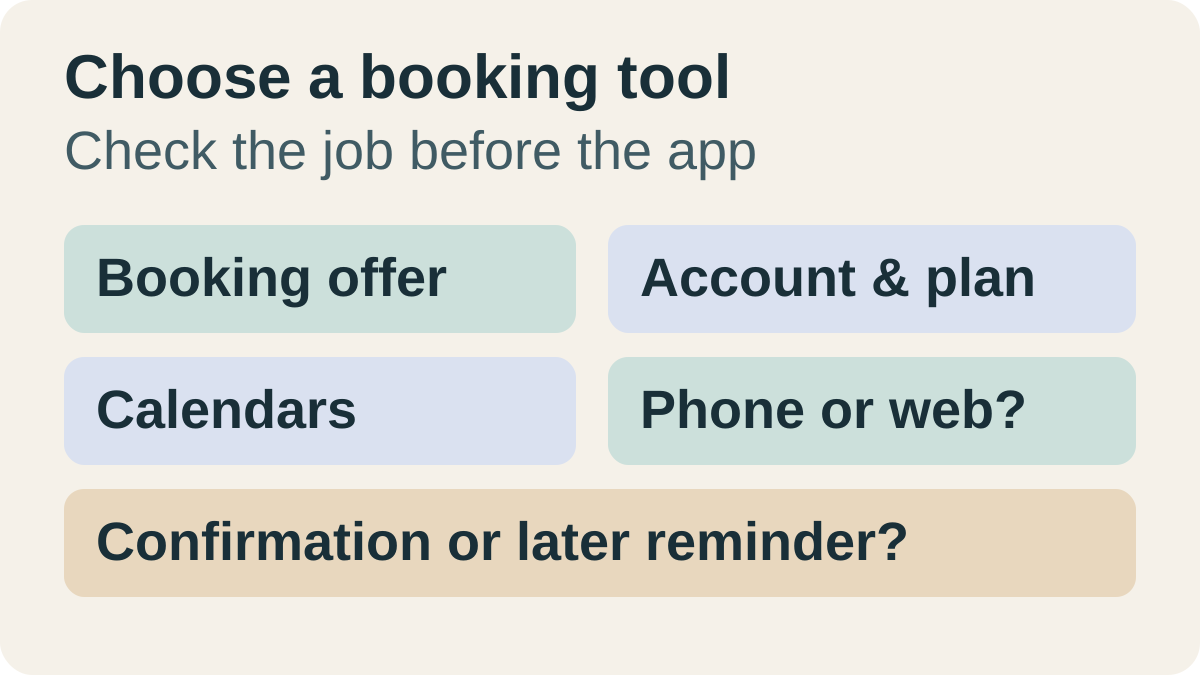
Start with Google Calendar appointment schedules when your eligible account, one booking page and computer-based setup meet the job. Evaluate Calendly when its documented mobile scheduling tools fit the way you maintain appointments, after checking the Free plan's one-event-type and one-calendar limits. The useful choice is the service that owns your bookings clearly; a second booking tool is not automatically an improvement.
This comparison is for independent service providers and freelancers arranging one-to-one customer appointments. We reviewed official sources on October 14, 2026. It is a documentation-based comparison, not a hands-on benchmark. Copied publishes this guide; its optional role is manually reusing reviewed booking wording on iPhone or iPad, rather than scheduling an appointment.
Compare the booking job before the app
| Decision | Google Calendar appointment schedules | Calendly |
|---|---|---|
| Start with a simple booking offer | Personal account or Business Starter: one booking page; account eligibility matters | Ongoing Free: one event type and one calendar connection |
| Need several distinct appointment offers | Multiple schedules are a premium, eligible-subscription feature | Multiple event types are a paid-plan distinction |
| Maintain bookings from iPhone | Google says creating a schedule requires a computer; do not infer creation from the Calendar app | Official iOS app includes link sharing, event-type editing and meeting management; some settings remain web-only |
| Check several calendars for conflicts | Multiple-calendar availability checks require an eligible subscription | Free allows one calendar connection; compare paid calendar capacity |
| Send automatic reminders | Premium feature; check the exact Google subscription | Automations and reminders appear in paid plans; confirmation emails are included in Free |
The limits come from Google's feature comparison, Calendly's plan guide and their device documentation below. For the wider categories, use our practical small-business app stack. This article owns the narrower booking-service choice, rather than ranking unrelated business apps.
Google Calendar: check the account, then the setup device
Google's current account table permits a single booking page with a personal Google Account or Workspace Business Starter. It excludes Frontline, Essentials and certain older subscriptions. A paid Workspace account is therefore not enough information to establish eligibility, and Business Starter should not be described as a free business subscription.
Google's no-charge booking-page guidance describes a page that accepts unlimited appointments without a charge. That is a useful starting point for a simple offer, not evidence that every scheduling feature is free. If your work already fits it, evaluate this existing capability before adding another service.
Google's creation guide requires a computer with a supported browser and explicitly says you cannot create an appointment schedule in the Calendar app for Android, iPhone or iPad. Its setup covers duration, availability, scheduling window and buffer time. Plan time on a computer for creation; having Calendar on your phone does not establish a phone-only setup workflow.
Write down the actual offer before changing settings: what the customer is booking, its length, when you can accept it and how much preparation time you need. These are editorial evaluation questions, not a report that we configured or tested your account.
Calendly: ongoing Free limits and mobile maintenance
Calendly's plan guide, updated September 1, 2026, lists one event type, one calendar connection and unlimited meetings in Free, alongside confirmation emails and mobile-app access. The current pricing page labels that plan as always free. Evaluate that ongoing allowance, rather than treating features visible during a promotional trial as permanent free access.
Calendly's mobile guide, updated August 24, 2026, documents iOS and Android access for sharing scheduling links, viewing and editing event types, updating availability, and managing meetings. It also says some account, administration, integration and calendar settings are available only on the web. Mobile access is a meaningful distinction; it does not mean every setup or configuration task can be completed on iPhone.
Choose the service based on the changes you actually make while away from your computer. If those changes involve calendar connections or account administration, include web access in your evaluation. If you mainly send a link and review bookings, try those specific documented tasks on the device and plan you intend to use.
Three requirements that can outgrow the basic allowance
| Requirement | What to inspect before upgrading |
|---|---|
| Separate introductory calls and longer sessions | Whether each offer needs its own duration, availability or booking page; compare multiple schedules/event types rather than renaming one generic offer. |
| Availability spread across several calendars | Which calendars must be checked and what the selected plan actually supports. One visible calendar does not establish complete coverage of your work. |
| Automatic reminders before appointments | Whether the exact account includes them. A confirmation sent at booking and a later reminder are different jobs. |
Google's premium-feature table makes multiple schedules, automatic email reminders and multiple-calendar checks subscription-dependent. Payment collection has its own eligibility distinctions; do not assume one eligible subscription unlocks every row. Calendly's plan guide places multiple event types, additional connected calendars and automated reminders in Standard. This comparison does not quote paid prices or evaluate payment processing.
Consider a fictional independent consultant who offers a short introductory call and a longer working session. The two offers may need different durations and preparation rules. This is an editorial illustration, not a customer result. A single free booking offer may suit the introductory call, but the consultant should inspect the relevant paid allowance before promising both as separate bookable services.
If your business has only occasional appointments and direct agreement already works, you may need neither new setup nor a subscription. If one suitable booking page is already working, keep it unless you can name the unmet requirement.
Check three harmless cases before sharing the page
- Offer: inspect the page for the correct appointment title, duration, time zone and meeting details. Confirm that an intended available slot is visible. Google documents a default four-hour minimum lead time, so an absent same-day slot is not automatically a fault.
- Calendar coverage: use a harmless busy period to inspect whether the booking page reflects the calendar arrangement you intend. Check the selected calendars and plan limits yourself; this is a suggested evaluation, not evidence that we tested conflict handling.
- Customer-facing destination: obtain the provider's intended share link and inspect what a recipient will see. Check the public identity and offer before putting that URL into recurring customer wording.
Google's setup documentation explains the lead-time control. Its sharing guide states that a booking page is public and that link holders can see the account name and profile photo. Calendly's mobile guide documents sharing an event-type scheduling link. Use your intended customer-facing route, rather than assuming a signed-in administration address is suitable.
Keep the appointment and its current status in the scheduling service. Separately check any sentence that says a time is available, reserved or confirmed. A reusable message cannot establish those facts; consult the actual booking before writing them.
Reuse booking wording only when that is a separate recurring job
Copied's product description and official App Store listing describe Keys for reusable text, including links. If you repeatedly introduce the same stable public booking page on iPhone, a Key can hold your reviewed sentence and URL. Insertion is manual in compatible fields; Copied is not claimed to read Calendly or Google Calendar, check availability, create bookings or send the reply.
For the fictional consultant, a generic sentence could introduce the public introductory-call page without claiming a particular slot has been reserved. Keep customer-specific booking details in the individual draft. Our guide to saving and reusing links on iPhone covers maintaining the address; email templates on iPhone covers the separate recipient, subject and attachment checks.
If retrieving your own approved booking wording is a recurring problem, explore Copied for iPhone and iPad. Start with one harmless public link, inspect a draft in a field you use and review the actual appointment facts before sending. Choose the booking tool first; add a wording library only when that additional job exists.
References
- Create an appointment schedule Google documents creating schedules on a computer, with availability and booking-page settings.
- Compare premium features for appointment schedules Google separates single-page access from premium account-dependent scheduling features.
- Use Google Workspace premium features Google documents a no-charge booking page; premium membership features are separate.
- Share your appointment schedule Google explains booking-link sharing and the public identity shown on a booking page.
- Choose the right Calendly plan Calendly's plan guide distinguishes Free allowances from advanced scheduling and automation.
- Plans and pricing Calendly's current plan page identifies the ongoing Free plan and paid upgrade features.
- Calendly mobile app overview Calendly documents mobile scheduling tasks and settings that remain web-only.
- Copied — Saved Replies, Clipboard & Files for iPhone Copied's product description explains Keys and manual reuse in compatible fields.
- Copied: Workspace Keyboard — App Store The official Copied listing describes saving recurring text and links as Keys.