App Reviews
WeTransfer vs Dropbox Transfer for Client File Delivery
A file fitting the size limit is only the first check. Choose client file delivery by sending allowance, download deadline and the recipient’s actual route.
Published , 6 min read, by Copied Editorial team
Choose a transfer service by the delivery you need to finish: the size of this send, the allowance your previous sends have used, and when the client can download it. Dropbox Transfer on Basic can suit a finished copy needing a longer download window. WeTransfer Free can suit occasional delivery when its rolling allowance and shorter availability fit. Neither choice follows from the largest number on a marketing page.
This comparison is for small businesses sending approved documents, design exports or similar final files. It uses official vendor documentation reviewed on October 20, 2026. We have not uploaded test files, timed downloads or tested recipient accounts. Recommendations below are conditional on the documented limits and the proposed checks, rather than hands-on performance results.
Start with delivery, then decide whether you need collaboration
A finished copy should arrive with a clear filename, version and intended use. A working document may need continuing comments or edits. Decide which job the recipient has before choosing a link. Our Google Drive vs Dropbox storage comparison covers maintained files and shared access; this article concerns delivering a downloadable release.
Dropbox describes Transfer as a way to send files that do not need collaboration. That distinction matters: sending a release is not the same decision as inviting a client into a working folder. If the client must edit the source, settle that workflow first; our Google Docs vs Word guide addresses the document-editor decision.
Compare the free routes on the limits that affect this job
These are ongoing free offerings, not a claim that every paid feature is included. Dropbox identifies Basic as its free plan; WeTransfer describes its free sending account. Check the account and actual transfer settings before committing a delivery date. Paid purchase prices and advanced access controls are outside this comparison.
| Decision | WeTransfer Free | Dropbox Transfer on Basic |
|---|---|---|
| Sending allowance | Up to 10 transfers or 3 GB total in a rolling 30-day window; either limit can stop further sending | Up to 2 GB per transfer; do not read this as unlimited sending |
| Ordinary download window | Up to 3 days from sending | 7 days |
| Recipient account | No WeTransfer account needed for the ordinary download route | No Dropbox account needed to access or download a transfer |
| Sender route considered here | Free account and browser upload; share the delivery link | Signed-in Dropbox account; create a transfer and copy its link |
Sources for the table: WeTransfer plan limits, WeTransfer availability, WeTransfer account and recipient guidance, Dropbox Transfer limits and expiry, and Dropbox transfer creation instructions. The comparison concerns an ordinary sender-created transfer, not an upload to someone else's branded page. Additional recipient restrictions or your organization's rules can change the appropriate route.
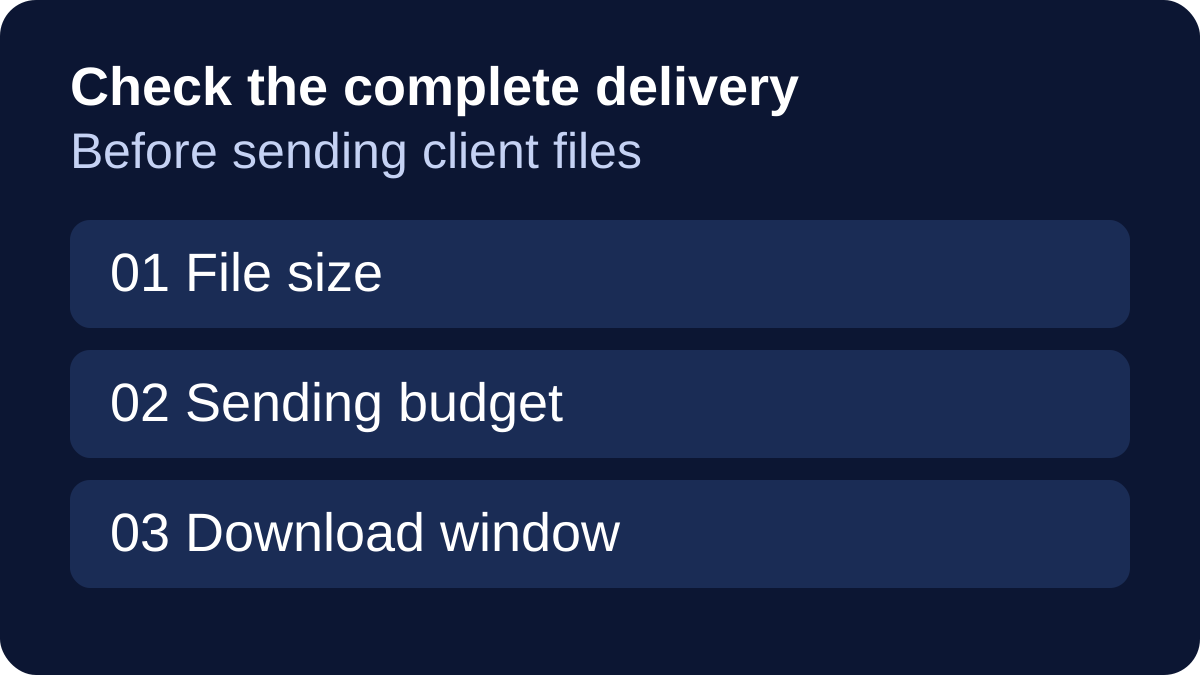
The two headline sizes measure different things. A per-transfer ceiling answers whether this package fits. A cumulative allowance also depends on previous deliveries. A download window answers a third question: whether the client will still be able to collect it when they return. Keep those checks separate.
A delivery-budget card for repeat client work
Use this fictional planning example: a designer has three approved client packages, each exactly 1 GB, ready to send within the same 30-day window, with no earlier usage. Three times 1 GB equals 3 GB. A fourth package of the same size would bring the total to 4 GB. This is arithmetic for a hypothetical workload, not a customer story, measured upload or vendor benchmark.
Under WeTransfer's published rolling allowance, the total-data cap would already be reached after the first three packages even though the transfer-count cap was not. Check the remaining allowance shown in the account. A new calendar month does not itself erase recent usage; availability returns as earlier sends leave the rolling window.
| Write down before sending | Why it changes the choice |
|---|---|
| Size of the complete outgoing package | A folder of individually small files can still exceed a per-send ceiling |
| Previous and planned sends within the relevant window | One successful delivery does not establish capacity for the next client |
| Actual sending time and latest acceptable download time | A client returning after expiry needs a different arrangement |
| Name and location of the retained approved release | The business needs its own source for any later delivery |
For Dropbox, the example packages fall below the documented per-transfer size limit. That observation alone does not establish a limitless free workflow, account suitability or a successful upload. Inspect the actual account, any current restrictions and the proposed recipient experience before relying on it for real business material.
Match the download window to the client’s calendar
WeTransfer measures availability from the moment a transfer is sent. Do not treat a copied delivery message as a fresh start to that clock. A client who is away until next week may need a different delivery arrangement, even if today's file is small.
Choose the route before promising how long the link will work. Read the actual expiry shown for the transfer and state it in the delivery message, with a clear timezone when needed. Keep the approved release elsewhere; an expiring delivery link should not become the business’s only retained copy. This comparison makes no promise of expired-transfer recovery.
Use a small pre-send and receipt check
Before adoption, use a harmless sample rather than a private client file. Review the following steps in the actual sender and recipient environment. They are suggested checks, not tests we performed for this article.
| Checkpoint | What to confirm |
|---|---|
| Release | Correct approved version; no draft or unrelated file in the package |
| Capacity | Actual package size and remaining sending allowance, not the size of one item |
| Destination | The intended recipient and appropriate account/access settings |
| Download | The recipient can open the delivery route and obtain the expected file |
| Deadline | The message accurately states the transfer’s real expiry |
| Receipt | Confirm the required file is usable; a link sent is not a completed client handoff |
For Dropbox's documented web route, sign in, choose Transfer, create the transfer, add the approved files and copy the link after creation. Its creation guide also describes a desktop-app recipient preview. Read the instructions for the surface you actually use; this article does not establish identical controls or entitlements on every app.
Keep reusable delivery wording separate from the transfer
If rewriting the same delivery note is a recurring phone task, Copied's product description presents reusable text Keys for manual insertion in compatible iPhone and iPad fields. A Key can hold reviewed introductory wording. The transfer link and expiry still need a deliberate update and review for each delivery; saving text does not keep those details current automatically.
A fictional draft might read: “The approved release is available at [current link]. Please download it before [actual expiry and timezone] and let me know if you cannot open the file.” Replace every bracketed field before sending. Our saved-link guide explains why a reusable URL needs checking when its destination or purpose changes.
Copied’s Files library can also hold an appropriate approved local file for personal reuse. Keyboard file pasting depends on the receiving app; use its supported attachment or sharing route when necessary. See reusing files from an iPhone keyboard. Copied is not presented as a WeTransfer or Dropbox connector, a transfer host, a link-expiry extension or an automatic delivery tracker. No free Files entitlement is claimed here.
Choose the delivery route that fits the real package, available sending budget and client’s download deadline. If repeated delivery wording remains a separate problem, explore Copied for iPhone and iPad with one harmless reviewed Key. If your existing sending flow already covers that work, an additional reuse tool may add no value.
References
- Dropbox, What is Dropbox Transfer? Finished-copy delivery, Basic size/expiry and recipient account boundary. Reviewed October 20, 2026.
- Dropbox, How to create and send a transfer Web creation and separate documented desktop preview route. Reviewed October 20, 2026.
- WeTransfer, Plan limits Free transfer count and total usage in a rolling window. Reviewed October 20, 2026.
- WeTransfer, How long are transfers available to download? Ordinary sender-created transfer expiry measured from sending. Reviewed October 20, 2026.
- WeTransfer, What you can send with a free WeTransfer account Ongoing free account, browser sender and account-free ordinary recipient route. Reviewed October 20, 2026.
- Dropbox, Secure File Transfer - Send up to 250 GB Online Basic is a free plan with a per-transfer size ceiling. Reviewed October 20, 2026.
- Copied, Copied — Customer Replies, Less Repeat Work | iPhone Publisher-declared manual Keys/Files reuse in supported iPhone/iPad destinations. Reviewed October 20, 2026.