App Reviews
Google Sites vs Carrd for a Small Business Information Page
Choose by the information visitors need, the published audience and the address you maintain. Separate free core features from domain and form requirements.
Published , 5 min read, by Copied Editorial team
Choose Google Sites or Carrd for a small-business information page by deciding what visitors need to read, who will maintain it and which address you will send. Consider Sites when your information needs separate pages and its account and publishing workflow fit your business. Consider Carrd for a focused one-page site, checking the exact plan when you need your own domain or forms. Keep a sufficient existing website rather than moving simply to try another editor.
This documentation-based comparison is for independent service providers publishing a short public introduction, practical information and a next step. Sources were reviewed on October 24, 2026. For this comparison, we did not build a Google Sites or Carrd site, connect a domain or test visitor accounts. The example below is fictional and the checks are proposed, not completed results.
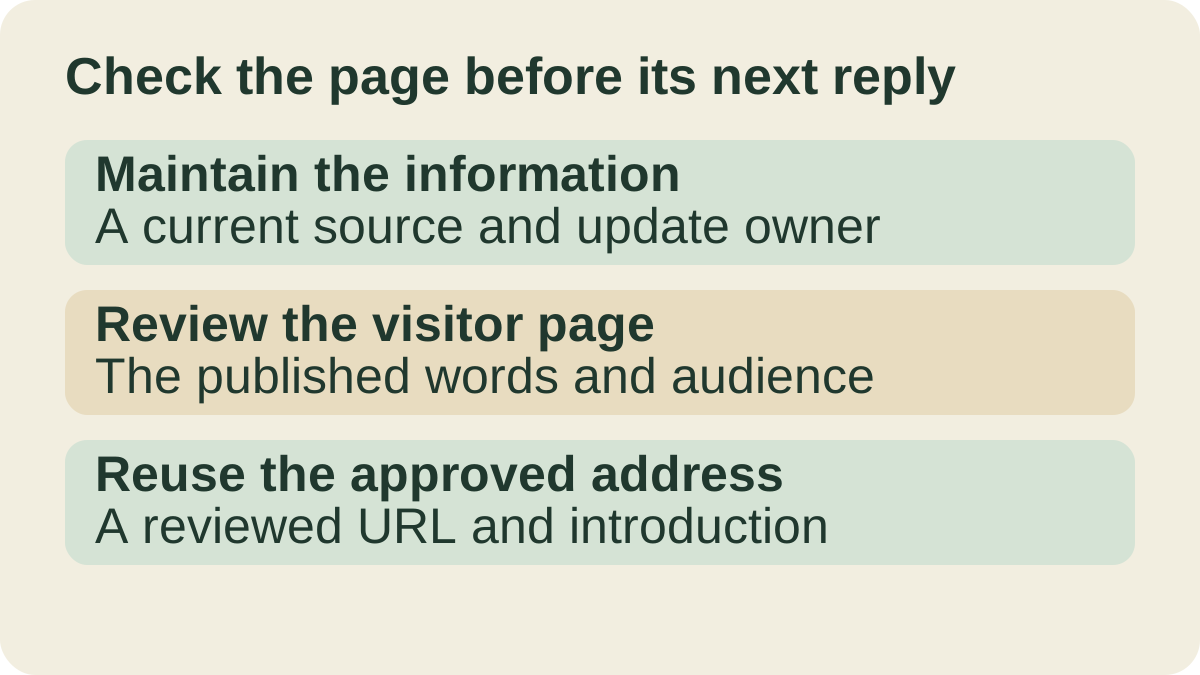
Define the information page before the template
A visitor might need to understand which service you offer, what to check before visiting and how to ask a question. Write those requirements before choosing a layout. A public information page, a private shared file and a form collecting answers serve different jobs. The Forms and Typeform comparison compares tools for collecting answers. This guide does not choose a checkout, customer database or booking service.
| Requirement | Decision to record |
|---|---|
| Maintained content | Which wording is authoritative, and who corrects it? |
| Public audience | What should a visitor without your editor account be able to read? |
| Address | Is the supplied site address sufficient, or is an owned domain essential? |
| Recurring message | Which approved public address belongs in customer replies? |
Compare the page structure and plan requirement
Google’s page-organization guide documents adding pages and subpages. Carrd’s official overview describes a one-page focus. If visitors need separate service and visiting-information pages, evaluate the Sites structure. If one short page answers the job, evaluate Carrd’s core offer before paying for extra features. Hiding a Sites page from navigation does not restrict access: Google says it remains reachable by a link.
| Requirement | Google Sites | Carrd |
|---|---|---|
| Organize information | Documented pages and subpages | Documented one-page focus |
| Start with core features | Check the account and organizational availability you intend to use | Ongoing free core offer, up to three sites per account |
| Use an owned address | Owner and account requirements in Google’s domain guide | Pro Standard or higher; domain registered separately |
| Reach the intended audience | Review the published audience separately from the editing view | Review the public page and selected plan’s features |
Google Sites: distinguish the draft from the published page
Google’s creation guide describes personal or business sites and a computer-based template and publishing workflow. Account availability in an organization still needs checking. Creating a draft is not proof that a customer can open the finished page.
Google’s publishing guide separates previewing from publishing and describes Restricted or Public audiences for the published site, with work or school differences. Check the actual visitor route as part of choosing the tool. Its search-engine opt-out is a request and does not ensure exclusion; do not use it as an access-control substitute. We make no claim that choosing Sites establishes search inclusion.
Carrd: compare core free use with the specific Pro tier
Carrd’s official overview describes responsive one-page sites and an ongoing free core allowance of up to three sites per account. A Pro trial is separate from that allowance. A page using the core offer may suffice when the required information and visitor route fit it; that does not establish that every template or business feature is free.
Carrd’s current plan table distinguishes Pro Lite from Pro Standard. Standard lists custom domain URLs, forms and embeds. The table also includes sharing on Pro tiers. Check the precise plan and collaboration requirement instead of assuming all products called Pro include the same features.
If the job is simply to provide information and a link to an existing contact route, decide whether a new form adds any needed capability. Do not choose a paid tier for a feature absent from your requirements. The everyday app stack applies the same principle to other business jobs: give each tool a clear responsibility.
Check the required address and account
Carrd’s domain guide explicitly requires Pro Standard or higher and a domain registered beforehand. A custom domain is therefore a separate decision from opening a free account. Include that plan requirement when evaluating an owned address.
Google’s domain documentation says only a site owner can connect it and directs work or school users to their administrator. It distinguishes connecting a domain from buying one through a Workspace plan. Check your intended account and address against the current documentation; neither the product name nor an editor preview proves that an address is configured.
An existing website may already provide the required public page. Preserve that working route while evaluating another editor with harmless material. Changing hosting, addresses, account ownership or security settings requires a separate plan; it is not a prerequisite for comparing software.
A fictional visitor card for a repair counter
Imagine a fictional independent bicycle-repair counter preparing a public information page. It describes the service in general terms, explains what to ask before bringing an item and points to a question route. It contains no real customer details or service promises. The owner could use this visitor card before adding the address to a reply.
| Record | Proposed evidence |
|---|---|
| Purpose | The visitor can identify the service and intended next step |
| Authoritative address | The approved published URL rather than an editor link |
| Audience | What an intended visitor actually sees without editor access |
| Update owner | Who checks changed wording and publishes the intended version |
| Message sample | A harmless draft containing the approved link and a relevant introduction |
Preview the narrow layout, inspect the published wording and check the destination of each relevant link. Record unresolved account or feature requirements. This is an evaluation plan, not a report that either service passed our tests. A visual draft and a published page are separate observations.
Carrd’s title and description guide includes publishing changes after editing those fields. Include the resulting public page in your review rather than assuming an edit has reached visitors. A title or description is useful context; it does not establish indexing, rankings or AI recommendations.
Reuse the approved address with reviewed wording
Once the public page is correct, keep its address distinguishable from drafts and private file links. The business contact-details guide covers reviewing the surrounding contact block. The saved-link guide addresses retrieving an approved URL later.
Copied’s product overview describes saved text Keys and manual insertion in compatible fields on iPhone and iPad. If you repeatedly send the same approved page with a short introduction, optionally evaluate that wording as one Key. Review the address, recipient and context before sending. Copied does not build the page, publish changes or refresh the saved wording when the website changes.
Choose the page editor first. If recurring link retrieval remains a separate phone task, evaluate Copied for iPhone and iPad with one harmless public link. Keep the existing method when it already covers that job.
References
- Google, Create, name, delete, or copy a site Personal or business site creation and the computer-based editing workflow. Reviewed October 24, 2026.
- Google, Publish & share your site Preview, publishing and published-site audience settings are separate controls. Reviewed October 24, 2026.
- Google, Use a custom domain for your site Connecting an existing domain differs from purchasing one; owner and organizational requirements apply. Reviewed October 24, 2026.
- Carrd, Carrd product overview One-page sites and the ongoing free core allowance of up to three sites per account. Reviewed October 24, 2026.
- Carrd, Go Pro! Pro tiers have different features, including domain URLs, forms and sharing. Reviewed October 24, 2026.
- Carrd, Using a Custom Domain An owned custom domain requires Pro Standard or higher and prior registration. Reviewed October 24, 2026.
- Carrd, Changing a Title or Description Title and description updates are applied through publishing changes. Reviewed October 24, 2026.
- Copied, Copied product overview Saved text Keys support manually reviewed reuse in compatible iPhone and iPad fields. Reviewed October 24, 2026.
- Google, Add, delete and organise pages Pages and subpages organize a site; hiding a page from navigation does not prevent link access. Reviewed October 24, 2026.