App Reviews
Google Forms vs Typeform for Small Business Enquiries
Choose an enquiry form by the details you need, who can respond and how you will review the answer. A submitted request is not a confirmed booking.
Published , 7 min read, by Copied Editorial team
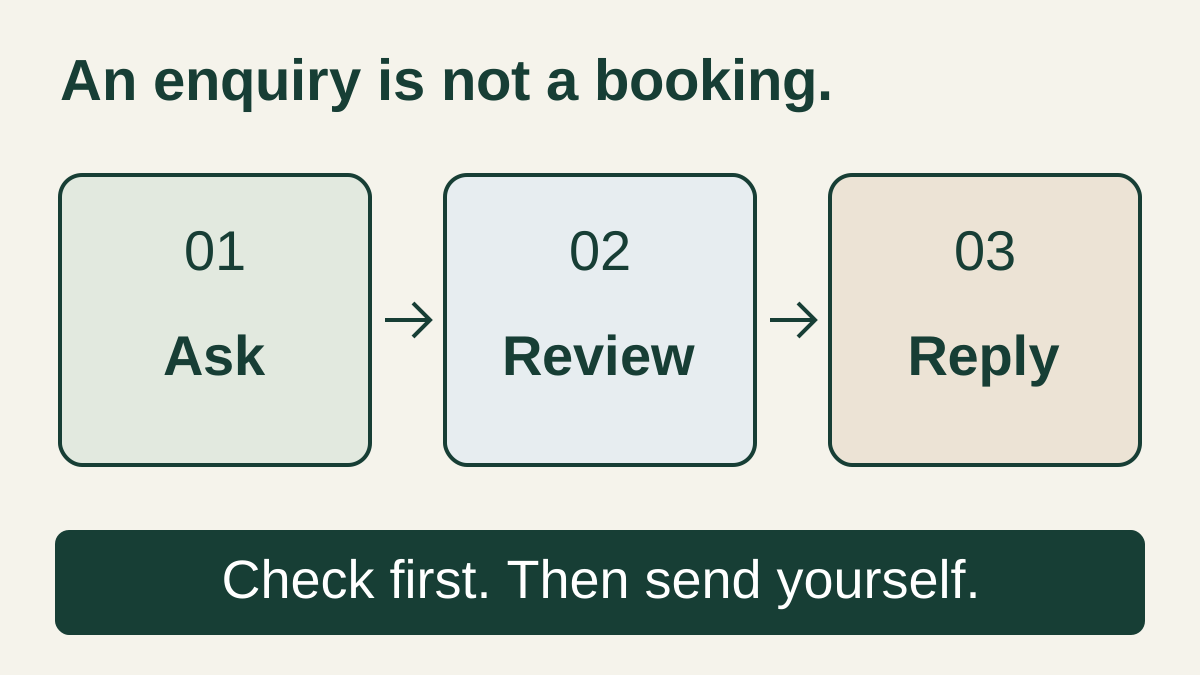
Start with Google Forms when a straightforward enquiry form and a response record you can review in Sheets fit your existing Google setup. Evaluate Typeform when its presentation and design options suit the questions you need to ask, provided its response allowance and required paid features fit your use. Before choosing either, check who can open the published form and what happens after submission. An enquiry is a request for review, not a confirmed appointment.
This comparison is for independent service providers and small studios collecting ordinary customer enquiries. We reviewed official documentation on October 18, 2026. It is a documentation-based comparison; we did not measure completion rates, mobile usability or account behaviour. Copied publishes this guide. Its optional role is reusing reviewed wording after you read the enquiry, separate from the form's response record.
Compare the enquiry workflow, not the number of forms
| Decision | Google Forms | Typeform |
|---|---|---|
| Where to begin | A structured questionnaire with sections and a Sheets review record | A form whose visual presentation you want to evaluate before committing |
| Capacity to check | Per-form data and response limits; features have additional practical limits | Monthly responses across the account, not a separate allowance for each form |
| Public access check | Publishing and responder settings; some choices require Google sign-in | Publishable features in the actual plan; trial features are not a live free allowance |
| Who handles the next step | Assign a person to read and act on the response | Assign a person to read and act on the response |
Choose one capture tool for this job. The small-business app stack covers broader software selection. If customers should select an available time directly, the Calendly and Google Calendar appointment comparison addresses that different decision. A date typed into an enquiry form does not reserve a slot.
Google Forms: build a reviewable request
Google's getting-started guide describes creating a form and storing responses in Sheets. That is useful when a small business wants a consistent set of answers to inspect before preparing a quote. Decide what you need to know first; adding every possible question can make the resulting record harder to review.
Google's section-routing documentation supports sending respondents to different sections from Multiple choice and Dropdown answers. For example, a first question can distinguish a private workshop enquiry from a group event. This is a documented routing option, not evidence that every question type supports the same conditional behaviour.
Before distributing a link, inspect Google's publication and responder-access settings. Limiting a form to one response requires respondents to sign in to a Google Account. Results summaries can expose full-text answers or charts to people who can respond. For an ordinary enquiry, decide deliberately whether either setting belongs in the workflow; a form that opens for its owner may still be unsuitable for an outside customer.
Google's basic Forms workflow and advanced managed Workspace features should not be treated as one universal offer. Use the account you intend to maintain and check its organisation's controls. This guide does not quote a Workspace subscription price or claim that every business feature is free.
Typeform: distinguish an ongoing free plan from trial features
Typeform's Free-plan documentation lists an ongoing allowance of 10 responses per month across all forms, along with design options and results export. Creating several forms does not multiply that allowance. The same documentation identifies file uploads and removing Typeform branding as paid features, so a form that needs those capabilities is not a free-only recommendation.
An attractive preview is not enough to establish that the form can be published on the intended plan. Typeform distinguishes experimenting with paid features in trial mode from sharing a form using them. It also warns that plan experiments can make account offers differ from its help pages. Check the actual account's feature labels before building an enquiry process around them.
Our recommendation is to evaluate the presentation with your real question structure, then check the plan required to keep collecting answers. We do not rank either tool as universally easier or claim that a particular design produces more leads. Confirm logic and other advanced features in your account rather than assuming access from a generic comparison.
Check the capacity unit before you share the link
Google's current response-management help announces limits starting in September 2026: up to 500,000 responses and 1 GB of total data per form, excluding user-uploaded files from that data limit. It also documents earlier thresholds affecting response views and Sheets synchronisation. These are not a promise of unlimited collection or an assurance that every review feature works at the maximum.
Typeform's response-limit policy uses a monthly account-wide allowance. At 100% of the allowance, forms enter Private mode until the next cycle or an upgrade. Deleting collected responses does not restore the month's allowance. Plan for a usable way to contact the business if a published form stops accepting enquiries.
| Before choosing | Why it changes the decision |
|---|---|
| Count all forms sharing the account | A separate feedback form can consume the same Typeform response allowance as an enquiry form. |
| Identify the record you will actually review | A large storage allowance is not the same as a convenient response view or a functioning review process. |
| Name the required paid feature | A file attachment or a branding requirement can decide the plan before response volume matters. |
| Set a review/check routine | A published link can remain in old messages after access, questions or capacity changes. |
Treat these as operational checks, not forecasts of your traffic. No search volume, enquiry volume or conversion improvement was measured for this article. If your account's current limits differ, use its offer and current vendor guidance rather than copying a number into your business process indefinitely.
Try a fictional workshop enquiry before adding automation
Imagine an independent tutor deciding whether to offer a private workshop or a group event. This is a fictional editorial example, not a customer case study. The purpose of the form is to collect enough information to review fit. It is not taking payment, confirming availability or promising that the work will be accepted.
| Sample request | Information to review | Appropriate next step |
|---|---|---|
| Private workshop | Requested topic, preferred date and a contact method | Check fit and availability; ask for the one missing detail before offering a confirmed time. |
| Group event | Topic, proposed date and expected group size | Check the requirements and whether a group arrangement is available before preparing a proposal. |
- Create a short sample using harmless invented details. State near the submit action that this is an enquiry, with any confirmation handled separately.
- Check both question paths in the published responder view. Use a context that represents an outside customer, not only the owner or editor preview.
- Locate the submitted record and identify who will read it. Verify that the contact detail needed for the reply is present.
- Check the acknowledgement, access and any results-summary setting. Do not expose one respondent's answers to another merely to prove that a form worked.
- Draft the next reply from the actual record. Review the requested date and any missing information before deciding what you can offer.
A useful acceptance test is whether you can explain why the next reply follows from that particular request. If you cannot find the right record, cannot reach the customer or are treating an unreviewed preferred date as confirmed, changing the form's colours will not resolve the workflow.
Where Copied fits after you read the response
Copied's product overview describes saved Keys for recurring text, reused manually in compatible fields on iPhone and iPad. That may help when the repeated work is explaining how to enquire, asking for a missing detail or describing the next step after review. Keep the form and its maintained response record as the source of the request.
Fictional reply draft: Thanks for your workshop enquiry. I have received your preferred date, but it is not booked yet. Before I can confirm the next step, could you tell me [missing detail]?
The brackets are placeholders to replace yourself, not Copied variable syntax. Save only the stable, non-sensitive wording. Add the recipient's details after reviewing the record, and send the message yourself. Copied is not presented here as a Google Forms or Typeform integration, an automated responder, a CRM or a shared enquiry database.
For delivery choices, see email templates on iPhone. If you reuse the intake link, the saved-link maintenance guide explains why the destination must be checked when it changes. Do not keep customer-specific answers in a general link-sharing Key.
Choose the smallest form that supports the next decision
Choose Google Forms if its question structure, responder access and review record fit the enquiry you need to handle. Consider Typeform if its presentation is useful and its current account allowance and required paid features are acceptable. Check both with the same harmless enquiry and an explicit request-versus-confirmation rule before sharing the real link.
If the remaining repeated work is writing the same explanation after reviewing enquiries, explore Copied for iPhone and iPad. Use the existing App Store download route and evaluate one short Key in the fields you actually use. Check the person, request and next step each time; a saved reply does not decide whether the booking should be accepted.
References
- How to use Google Forms Forms creation and Sheets response records. Reviewed October 18, 2026.
- Publish & share your form with responders Publication, responder access, sign-in settings and results-summary visibility. Reviewed October 18, 2026.
- View & manage form responses Sheets/CSV/notifications and September2026 per-form500k/1GB limits excluding uploaded files. Reviewed October 18, 2026.
- Show questions based on answers Section routing for Multiple choice and Dropdown. Reviewed October 18, 2026.
- Free plan Ongoing Free10responses/month across all forms; visual design/exports; file upload and branding removal require paid features. Reviewed October 18, 2026.
- Response limits Monthly account-wide limits; Private mode at100%; deleting responses does not restore allowance. Reviewed October 18, 2026.
- Copied product overview Keys for reviewed manual reuse in compatible iPhone/iPad fields; no form integration or automated reply. Reviewed October 18, 2026.