App Reviews
Gmail vs Outlook for Small Business: Account, App or Both?
Choose the email account and the app as separate decisions. Check business identity, the actual plan and inbox workflow before changing how you reply to customers.
Published , 6 min read, by Copied Editorial team
Choose Gmail or Outlook for a small business by separating the email account from the app used to read it. Google Workspace with Gmail can fit a business that wants its mailbox in Google’s environment. Microsoft 365 business email can fit a business already working in Microsoft’s environment. Then check the actual account, app version and daily workflow. An app name alone does not settle business hosting, administration or feature access.
This guide serves owners choosing how to receive and answer customer email. It is based on official Google and Microsoft documentation, rather than a hands-on mailbox, migration or deliverability test. The right choice depends on the business’s account and app requirements. Keep a working setup when it already meets the requirements; a new interface is not by itself a reason to move business email.
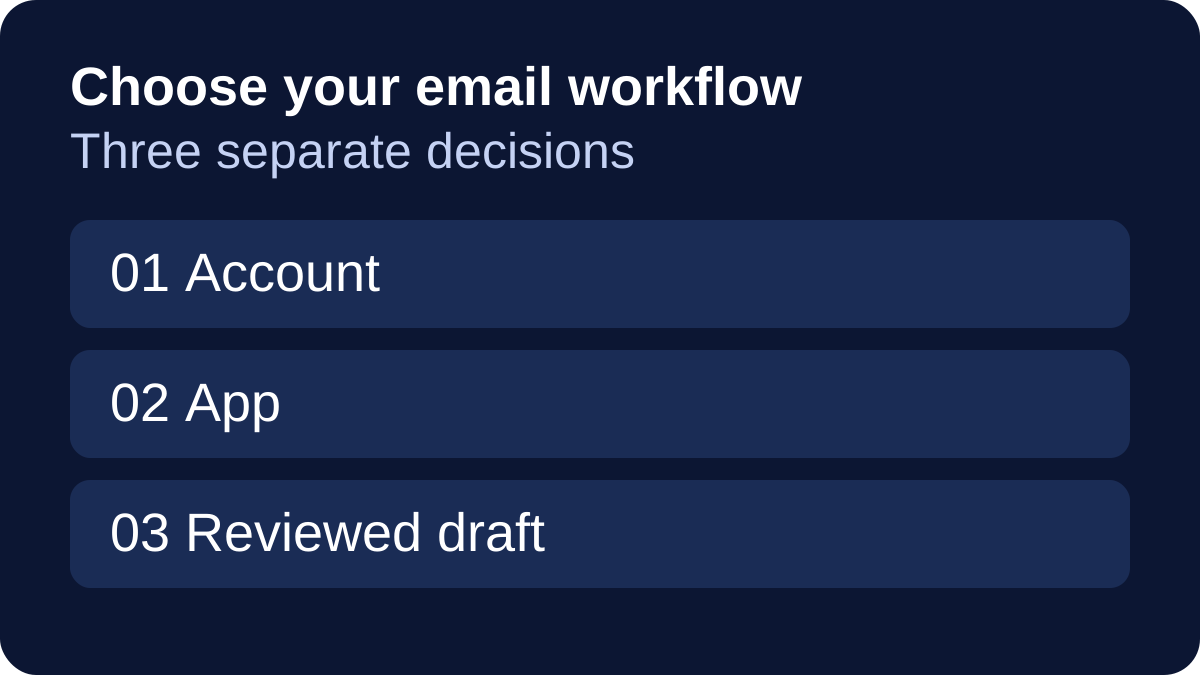
Make three decisions before comparing inbox features
| Layer | Question to answer | Why it matters |
|---|---|---|
| Mailbox and account | Who provides and manages the address customers use? | A personal account, an organization account and a business subscription have different purposes |
| App or browser | Where will you read and reply on each device? | The web, Windows, Mac and mobile surfaces need separate checks |
| Actual draft | Can you reply from the correct address and find the required material? | A familiar app still needs to work for this account and this customer task |
Microsoft distinguishes Outlook.com, Outlook on the web and installed Outlook apps. Outlook.com is its personal webmail service; work or school Outlook on the web uses an organization account. Outlook mobile can connect supported accounts, including Gmail. These names do not all mean the same mailbox or the same app. Your account or organization policy still matters.
That distinction changes the buying question. If the address and mailbox service already work, evaluate an app change separately. If the business needs a different account or administration arrangement, changing the icon on a phone does not resolve that requirement. This article does not provide account migration, domain verification or DNS instructions.
Compare the business service before calling it free
Google’s business-email page describes custom-domain Gmail through a standard Google Workspace subscription. A trial is different from continuing free use. It also distinguishes personal Gmail and Workspace Individual contexts. Do not infer that an account or offer with the Workspace name provides every business-mail feature.
Google’s account comparison makes this boundary more specific: Gmail-based, business-email-verified and domain-verified Workspace accounts differ in Gmail availability, administration and ownership. Some editions do not include Gmail. Identify the actual edition and account setup you are evaluating; the signup label alone is insufficient.
Microsoft 365 Business Basic is a paid business plan that includes custom business email and web/mobile apps. Microsoft’s comparison separately lists desktop apps under Business Standard. This guide does not assume that a free client download, a personal subscription or an existing login establishes the business account and app entitlement you need. Verify the current relevant plan before purchasing.
| Requirement | Google route to examine | Microsoft route to examine |
|---|---|---|
| Business mailbox at your domain | A suitable Workspace edition with Gmail and the required account setup | A business email plan such as Microsoft 365 Business Basic |
| Computer and phone workflow | The Gmail browser/app surfaces you intend to use | The particular Outlook web, Windows, Mac or mobile surface and account |
| Existing business subscriptions | What the current Workspace arrangement actually includes | What the current Microsoft 365 business arrangement actually includes |
| Decision boundary | An existing personal address or Workspace label does not establish all business features | An Outlook app or personal account does not establish all business email entitlements |
Both service routes deserve consideration when they meet the stated requirements. Compare current offers only after naming the missing capability. Numeric purchase prices, storage quotas, trial eligibility, security rankings and advanced administration features are outside this comparison. If a policy or account requirement is essential, have the account administrator confirm it before changing the business workflow.
Choose organization tools for the account and surface you use
In its computer Gmail guide, Google describes labels and incoming-mail filters. A message can carry more than one label, which can help when a customer conversation belongs to both a project and a follow-up category. That is a useful organization option, rather than proof that it will suit every owner or that all mobile controls are identical.
Microsoft’s Outlook rules guide describes incoming-mail rules and provides separate instructions for different versions. It currently says new Outlook for Windows does not support rules for managing third-party accounts such as Gmail, Yahoo or iCloud; those rules should be configured through the email provider. Do not transfer a feature claim from one Outlook account or tab to another.
Use the actual account to decide whether the organization method works. A successful sign-in is only the beginning of that evaluation. This article does not claim that either provider has better search, catches more spam, delivers email more reliably or produces better AI answers. Those outcomes require evidence beyond a feature list.
A small-business mailbox and app acceptance card
Consider a fictional independent service provider who answers new enquiries and sends an approved service sheet. The owner wants a recognizable sender address, a way to find enquiries awaiting a reply and a phone draft they can review. This is an editorial example, not a customer result or a mailbox we configured.
| Harmless sample check | Write down the expected result |
|---|---|
| Account identity | The intended sender address and who is responsible for managing the account |
| App surface | The actual browser or app version used on the computer and phone |
| Incoming organization | A sample enquiry can be found using the account’s supported labels, folders or rules |
| Reply identity | The draft uses the correct From address and intended recipient |
| Supporting material | The right approved service sheet can be selected and reviewed through a supported attachment route |
| Follow-up | The owner can find the conversation again and knows whether a response is still needed |
Run a small sample evaluation in the intended environment before changing an established setup. Do not use a private client file as a test attachment. Record any failed requirement and check whether it comes from the account, the app or the process before deciding to replace the provider. These are proposed checks; we did not execute them for this guide.
If more than one person must handle the same customer conversation, define access, responsibility and the required shared workflow separately. Personal labels, an email app and a library of reply wording do not themselves establish a managed support inbox. This comparison does not validate shared-mailbox licensing or a team support process.
Reuse the wording after the account and app decision
For the separate job of repeatedly drafting similar answers on iPhone or iPad, Copied’s product description presents reusable text Keys. Insert a reviewed Key manually in a compatible field, then check the recipient, From address and customer-specific details. Secure fields and individual apps can limit third-party keyboards; a saved Key is not a promise of compatibility everywhere.
Copied is not presented as a Gmail or Outlook connector, a mailbox host, an automatic sender, a shared inbox or a service that synchronizes email rules. For deciding between a signature, a shortcut and a reusable reply library, see email templates on iPhone. For the broader app stack, see apps for small businesses.
If an enquiry needs an approved editable document, choose that document workflow separately with our Google Docs vs Word comparison. If you are preparing a reusable business identity, our business contact details guide covers what information to include.
Choose the smallest account and app change that meets the actual email requirements. If recurring reply wording remains a separate phone task, explore Copied for iPhone and iPad with one harmless reviewed Key. The useful check is whether you can retrieve, personalize and review the right wording in the intended draft before sending it yourself.
References
- Google, Create a Professional Business Email Address Custom-domain Gmail business subscription and separate personal/Individual contexts. Reviewed October 21, 2026.
- Google, About Gmail, business email, and domain-verified Google Workspace accounts Account and edition boundaries for Gmail availability and administration. Reviewed October 21, 2026.
- Microsoft, Microsoft 365 Business Basic Business email and web/mobile access versus the separately listed desktop-app tier. Reviewed October 21, 2026.
- Microsoft, What version of Outlook do I have? Personal webmail, work/school webmail and installed Outlook surfaces. Reviewed October 21, 2026.
- Google, Organize and find email - Computer Computer Gmail labels and incoming-mail filtering. Reviewed October 21, 2026.
- Microsoft, Manage email messages by using rules in Outlook Version/account-specific rules and the new Outlook Windows third-party account limitation. Reviewed October 21, 2026.
- Copied, Copied — Customer Replies, Less Repeat Work | iPhone Publisher-declared manual reviewed Keys in compatible iPhone/iPad fields. Reviewed October 21, 2026.