App Reviews
Trello vs Notion for Small Business: Projects and Client Access
Choose a project record that carries the work and its context. Compare boards, database pages, client permissions and the limits that matter on Free.
Published , 7 min read, by Copied Editorial team
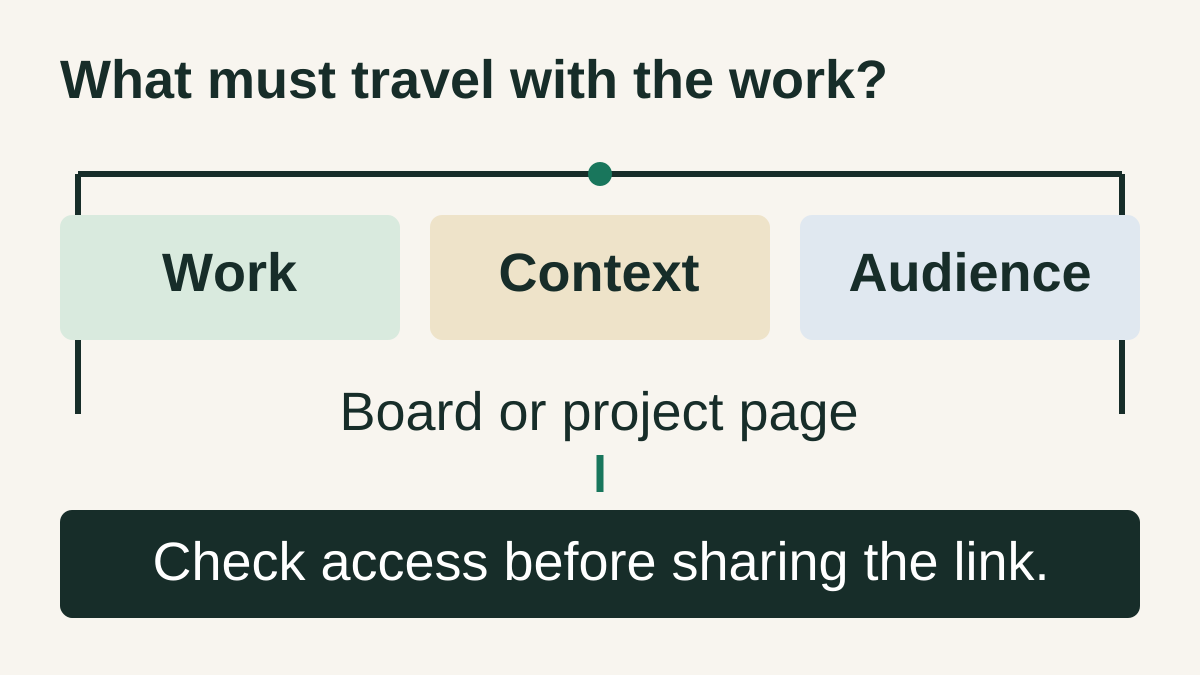
Choose Trello when a board of cards moving through agreed stages is enough to explain your projects. Consider Notion when project work needs structured pages and context alongside database views, including boards. Before choosing either for client review, check what the client can see and how their access affects the ongoing free allowance. A useful project tool must fit both the work and its audience.
This guide is for independent service providers and small studios choosing a home for project deliverables. We reviewed official documentation on October 16, 2026; this is a documentation-based comparison, with no hands-on speed or usability scores. Copied publishes it. Copied's optional role is preparing recurring client wording, separate from the project record.
Compare project structure before counting features
| Decision | Trello | Notion |
|---|---|---|
| How work is represented | Cards within lists on a board | Database pages that can also appear in a board view |
| When to evaluate it | Stages such as drafting, client review and delivery communicate the work | Each deliverable needs a maintained page of context and structured properties |
| External review boundary | A guest can see the entire board they join | Guests access invited pages and their subpages; inspect inherited permissions |
| Free capacity to check | Workspace-wide boards and collaborators; attachment size | Workspace ownership and blocks; external guests and per-file uploads |
Both candidates can present work as a board. The difference is how you want to maintain the material behind each item. If your problem is simply remembering your next action, the Reminders and Todoist comparison may be a better starting point. The everyday business app stack covers choosing across software categories.
Trello: use stages that have a shared meaning
Trello's board guide describes boards, lists and cards. Lists can represent steps in a process. For a small project, that lets you agree what a move from drafting to review means without building a separate database structure first.
Our recommendation: define the evidence needed before moving a card. 'Ready for review' could mean that a named draft exists and the reviewer has a clear question. 'Delivered' should mean the delivery action actually happened. A column label alone does not prove that a client approved the work or received the file.
Trello is worth considering when those stages and the card's context are sufficient. Do not add a second tracker merely because another app has more views. If explanatory material becomes difficult to maintain, evaluate whether a project page would make the actual job clearer.
Notion: a board can be a view of project pages
Notion's board documentation explains that a board groups database pages by a property, such as status or assignee. You can add a board view to an existing database. It is inaccurate to describe Notion as only notes or Trello as the only board option.
For a project that needs a brief, unresolved questions and delivery context, a page-centered arrangement is a candidate. Keep the database small enough that you can explain each property. A status, a responsible person and a link to the current deliverable may be more useful than several decorative dashboards.
This is a design choice for your workflow, not a claim that Notion is automatically more capable for every project. Someone must maintain the pages and conventions. If the structure creates more updating than clarity, keep the simpler record.
Trello vs Notion free plans: different limits
The current Trello plan guide lists up to ten open boards and ten collaborators in a Free Workspace, a 10 MB limit per attachment and 250 automation runs per month. It also says all Free Workspace members are admins. That is an ongoing plan, separate from a Premium trial.
Trello counts collaborators across the Workspace, including board guests and pending invitations. A board with a few people does not by itself establish that the Workspace is under the limit. Count the distinct people and invitations across your actual arrangement before promising access.
Notion's Free plan lists ten external guests, uploads up to 5 MB per file and seven days of page history. It distinguishes unlimited blocks for an individual from limited usage with multiple members. Limited AI trials on the plan page are not an ongoing unrestricted AI service.
The block-usage guide is more specific: one Free Workspace owner has unlimited blocks; two or more owners have a 1,000-block allowance per Workspace. People added as Workspace members on Free join as owners. The count reflects content created, so deleting blocks does not restore that allowance.
Notion distinguishes organization members from external guests. Do not treat coworkers as outside clients simply to present a free-plan workaround. Choose the role that fits the relationship and assess the corresponding limit.
| Requirement | Reason to review the plan |
|---|---|
| More boards, collaborators or administrative control | Check Trello's current Workspace plan rather than assuming a small board is sufficient. |
| Ongoing content creation by several Workspace owners | Check Notion's block allowance before building a large project archive. |
| Larger attachments, more guests or longer page history | Compare the specific Notion allowance with the real project requirement. |
No paid prices are quoted here. Check the vendor's current regional offer and the requirement that would cause an upgrade. A free download, an ongoing free tier and a trial are different things.
Client access: choose what the reviewer should see
A Trello guest is normally a board member and can see all cards on the invited board; individual cards cannot be hidden from that person. Do not invite a client to a mixed-client board containing internal notes. On Standard or Premium, inviting one guest to multiple boards can also make that guest billable.
Board visibility is a separate setting. Private boards are visible to board members and, in paid Workspaces, Workspace admins; public boards are visible to anyone online. Being sent a link does not make a public board a private client space.
Notion's sharing guide describes guest invitations, access levels and inherited permissions. Guests need their own Notion accounts. Review the invited page, its subpages and wider grants; a filtered view is not evidence that other records are inaccessible. Granular database permissions are a separate Business and Enterprise capability on the current plan page.
Decide whether the client needs to read, comment or maintain content. Keep internal planning outside the material you intend them to access, and verify the actual scope before sharing real work. This guide does not change your permissions or certify either vendor's security or compliance.
A fictional sign project: use a deliverable-and-audience worksheet
Imagine an independent sign designer preparing two sign layouts. This is an editorial illustration, not a customer case study. The designer needs an internal production plan, a client review surface and an explicit record of the chosen layout.
| Object | What belongs there | Who needs it |
|---|---|---|
| Internal project record | Production questions, next action and current draft identity | The people doing the work |
| Client review surface | The intended draft, a specific decision request and agreed response date | The invited reviewer |
| Review decision | Which version was selected, by whom and when | The project owner and relevant collaborators |
| Outgoing message | A checked link and a concise request | The intended recipient only |
In Trello, evaluate a client-specific board rather than expecting to conceal internal cards. In Notion, evaluate a deliberately scoped project page and inspect its inherited access. In either tool, viewing a link is different from approving a particular version. Record the actual response before moving the project forward.
- Build the sample with invented, nonconfidential material. Identify the current draft and write the decision the reviewer needs to make.
- Check the relevant Free allowance and roles before adding anyone. Only evaluate shared access with an authorized, willing participant.
- Inspect what the reviewer can open, including other cards or subpages. Review actual permissions instead of relying on how the view looks.
- Try the project on the phone you use: find the draft, read its context and locate the decision. Mobile availability does not establish identical desktop behavior.
- Keep your existing project records while evaluating. This is not a verified migration or backup procedure.
Notion provides mobile apps. For either candidate, the practical question is whether you can maintain your own small sample comfortably. For the file behind the link, the Drive and Dropbox comparison covers file-source and recipient-access decisions.
Use Copied only for the recurring wording around the project
Copied's product overview describes Keys for reusable text on iPhone and iPad. If writing review invitations is a separate recurring task, a Key can hold a generic request such as: 'Please review [draft link] and confirm [specific choice] by [agreed date].' Replace every placeholder and check the current project facts before sending.
The project record remains in Trello or Notion. A personal Key does not read project status, grant access, update the source or send the message. Insertion is manual in compatible fields. Keep previous clients' details out of the reusable version. The freelancer message guide covers proposal and update wording; the saved-replies guide covers organizing a personal library.
Choose the project tool first. If recurring wording remains a gap, explore Copied for iPhone and iPad. Evaluate one harmless review request in a draft, check the recipient and link, and send it yourself only when the details are current. If your existing project tool and ordinary typing already suffice, keep that arrangement.
References
- Which Trello plan is best for me? Trello's ongoing Free allowance covers boards, collaborators, attachments and automation. Reviewed October 16, 2026.
- Collaborator limit for free Workspaces Guests and pending invitations count toward the Free Workspace collaborator limit. Reviewed October 16, 2026.
- What is a Workspace guest? A board guest can see the full invited board; guest billing differs on paid Workspaces. Reviewed October 16, 2026.
- Change the visibility of a board Check board visibility separately from who is invited. Reviewed October 16, 2026.
- Learn Trello board basics Trello's guide explains boards, lists and cards as project building blocks. Reviewed October 16, 2026.
- Notion pricing plans Free includes ten external guests, a per-file upload limit and limited page history. Reviewed October 16, 2026.
- Understanding block usage The Free block allowance depends on Workspace ownership, and deletion does not reset usage. Reviewed October 16, 2026.
- Board view Notion can display database pages as a board, with grouping, filtering and sorting. Reviewed October 16, 2026.
- Sharing and permissions settings Check guest accounts, permission levels and inherited access before sharing a project page. Reviewed October 16, 2026.
- Who's who in a workspace Members and external guests have different roles in a Notion workspace. Reviewed October 16, 2026.
- Download Notion for mobile Notion provides mobile apps; evaluate your real project on the phone you use. Reviewed October 16, 2026.
- Copied product overview Copied describes reusable Keys, Clipboard items and Files for iPhone and iPad. Reviewed October 16, 2026.