App Reviews
Apple Reminders vs Todoist for Small Business Tasks on iPhone
Choose a task tool by the devices, people and alerts your work needs. Check what free covers, then keep task completion separate from customer-update wording.
Published , 6 min read, by Copied Editorial team
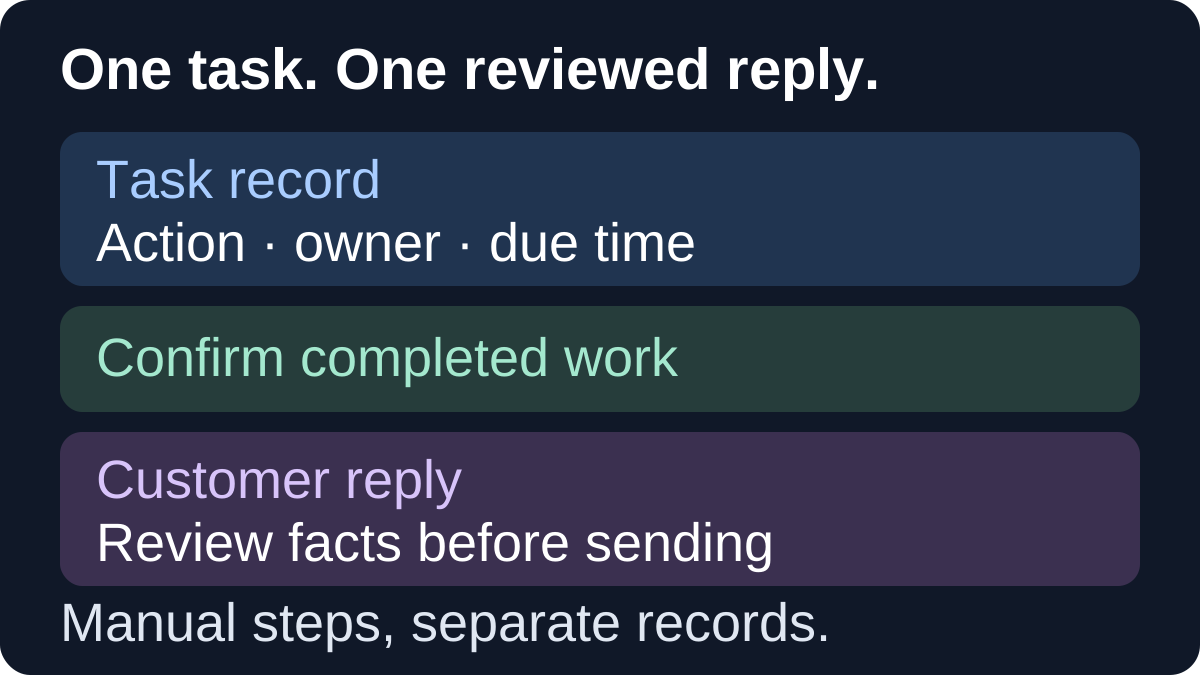
Choose Apple Reminders when your business tasks fit its lists and the people sharing them meet Apple's iCloud requirements. Evaluate Todoist when you need its project views or app access across a wider device mix, after checking the relevant free-plan limits. Neither choice follows from business size alone: the important questions are who owns the next action, where they work and which alerts they need.
This comparison is for independent service providers, freelancers and very small businesses choosing everyday task tools on iPhone. We reviewed official sources on October 14, 2026. It is a documentation-based comparison, not a hands-on benchmark. Copied publishes the guide; its optional role is reusable customer wording after you check the actual work, not task management.
Compare the task, the people and the device
| Decision | Apple Reminders | Todoist |
|---|---|---|
| Keep the next action visible | Lists, subtasks, tags and Smart Lists described by Apple | Projects with list and board layouts in Beginner |
| Share responsibility | Shared iCloud lists and assigned items; participants need suitable Apple Accounts and iCloud settings | Shared personal projects or a separate team workspace; their plan limits differ |
| Work across different devices | Check your Apple-device and iCloud arrangement | Official downloads include iPhone, iPad, Android, Windows, Mac and browser options |
| Use a time-based alert | Apple documents reminder dates and times | Automatic reminders need a task date and time plus enabled settings; custom reminders are a paid distinction |
| Start without a paid task plan | Free App Store listing, with account-dependent features | Ongoing Beginner plan; personal and team allowances need separate checks |
Use this as a decision table, not a complete feature inventory or a speed score. An existing list that reliably tells you what to do next may already be sufficient. For the wider categories, see our everyday small-business app stack; for maintained reference material rather than actions, compare Apple Notes and Google Keep.
Apple Reminders: check the account arrangement before adding a tool
Apple's official Reminders listing is marked Free and describes subtasks, tags, Smart Lists and sections within a list. Reminders is therefore worth evaluating for more than a bare shopping checklist. A business preparation job can have several smaller actions without requiring you to buy another app just because the work is commercial.
The Reminders support guide explains dates, time-based alerts and subtasks. It also describes keeping reminders updated across Apple devices signed in to the same Apple Account through iCloud. Check the actual account you intend to use; do not assume that a feature documented for updated iCloud reminders applies to every account arrangement.
For work with another person, Apple's shared-list documentation describes collaborative editing, completion and task assignment. Participants must be signed in to their Apple Accounts with Reminders enabled in iCloud, and the guide's full feature set uses updated iCloud reminders. This is a meaningful shared-task option when those requirements fit the people involved.
Before choosing it for a handoff, agree what the assigned task means and who will confirm completion. A shared checkmark is a task status; it is not proof that a customer received an update. Check invitation permissions and participants deliberately rather than adding people merely to try a feature.
Todoist: evaluate projects and the device mix
Todoist's official download page lists iPhone and iPad alongside Android, desktop and browser options. That makes it a candidate when the people doing the work use different devices. Availability does not establish identical controls, notification behavior or a tested synchronization result on each platform.
The current Beginner plan includes five personal projects, list and board layouts, three filter views and one week of activity history. Choose the views because they help you find the next action, not because a board is automatically more professional than a list.
Todoist's personal-project collaboration guide applies to Beginner as well as paid plans and explains sharing and assigning a task to one person. It directs work-related collaboration toward its team guidance. Separate a shared personal project from a team workspace when evaluating the arrangement you need; their allowances and administration are not interchangeable.
What free covers, and what would justify an upgrade
Todoist's usage-limits guide, updated October 6, 2026 lists five active personal projects and five people per personal project on Beginner. It separately lists five active team projects and one week of team activity history for a free team. You can create one free team at a time. Free collaboration exists; that does not mean every business administration feature is included.
| Requirement to check | Relevant decision |
|---|---|
| More than five active personal projects | Compare personal-plan capacity or simplify your organization without losing necessary work. |
| Custom reminders beyond automatic task alerts | Compare the paid reminder features rather than assuming every alert is free. |
| A longer accessible activity history | Beginner's one-week history may not fit the record you expect to revisit. |
| Team roles, permissions or centralized billing | Inspect Business features and the specific workspace arrangement; personal-plan limits do not answer this question. |
The current plan page distinguishes Pro and Business from Beginner. This guide does not quote paid prices or treat a promotional trial as the ongoing free plan. Check the current regional offer and the requirement that would cause you to upgrade. Reminders' free download is also not proof that every device, account or sharing configuration fits your work.
A due date and a reminder are different checks
Todoist's reminder guide says automatic reminders can be added when a task has both a date and a time, based on reminder settings. Custom reminders are a Pro or Business feature. A task dated for tomorrow without a time is not the same setup as a timed task with an automatic alert.
Before depending on either app, try a harmless timed task on the phone you actually use and inspect the relevant notification settings. This is an evaluation step for you, not a report that we tested delivery. Avoid choosing a plan based on an old claim that every Todoist reminder requires payment, or on the opposite assumption that any reminder arrangement is free.
Try four tasks before migrating your business
Consider a fictional studio owner preparing introductory sessions with occasional help from a colleague. The owner wants to remember preparation, make responsibility clear and send a customer update only when the relevant action is complete. This is an illustration, not a customer outcome.
- Create one harmless timed action, such as reviewing a preparation checklist. Confirm the date, time and intended alert in the actual app and account.
- Create one job with smaller steps. Check whether you can find the next incomplete action without relying on a vague title such as 'session work'.
- If collaboration is needed, evaluate one authorized handoff with an agreed owner. Check who can view or edit the shared work and whether the people involved can use the chosen arrangement.
- Complete the action, update its task status and separately draft a customer message. Check that the statement describes what actually happened, rather than what the task was scheduled to do.
Keep existing task records until the new arrangement is understood; this guide does not recommend deleting or bulk-migrating them. Choose the tool that meets these needs within an acceptable plan. If your current task list passes the checks, keeping it is a valid adoption decision.
Keep customer-update wording separate from task status
Copied's product description and official listing describe reusable text Keys for recurring wording. If the fictional owner repeatedly writes preparation updates on iPhone, a Key can hold a reviewed generic starting sentence. The owner must check the current task and personalize the draft before sending.
Copied is not claimed to read Reminders or Todoist, assign work, trigger task alerts, mark anything complete or send the message. Manual insertion works in compatible fields. Keep the action and its status in the task tool; keep recipient-specific facts in the individual draft. Our iPhone email-template guide covers recipient, subject and attachment checks, while saved-replies organization covers building a personal wording library.
Explore Copied for iPhone and iPad only if finding and inserting your own recurring wording is an additional job you need to solve. Start with one harmless generic update, inspect a draft in a compatible field and review the actual facts before sending. You may need only the task app; Copied does not replace it.
References
- Reminders — App Store Apple's official listing describes Reminders and its free download.
- Use Reminders on your iPhone, iPad, or iPod touch Apple's guide explains reminders, subtasks, dates and iCloud account requirements.
- Share lists and collaborate in Reminders on iPhone Apple documents shared lists, task assignment and participants' iCloud requirements.
- Plans and pricing Todoist's current pricing page distinguishes Beginner, Pro and Business features.
- Usage limits in Todoist Todoist's limits table separates personal-project and team-workspace allowances.
- Introduction to reminders Todoist explains automatic reminders and the paid custom-reminder distinction.
- Todoist Downloads | Apps For Every Device Todoist publishes its supported app and browser download options.
- Collaborate with friends or family in Todoist Todoist documents personal-project sharing and one assignee per task; workspace limits differ.
- Copied — Saved Replies, Clipboard & Files for iPhone Copied's product description distinguishes reusable Keys from task management.
- Copied: Workspace Keyboard — App Store The official Copied listing describes saving recurring wording as Keys.