App Reviews
Bitly vs TinyURL for Small Business Links: Free Limits and Destination Changes
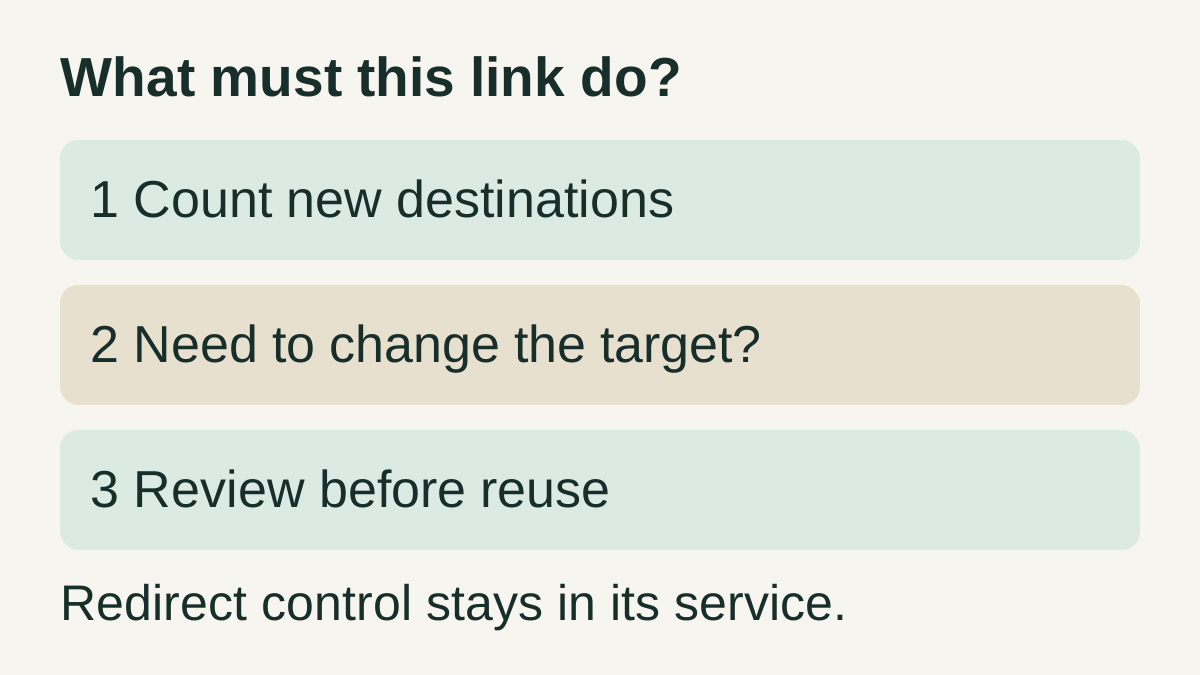
Count new links separately from repeated sharing, then check whether the destination must stay editable.
Published , 4 min read, by Copied Editorial team
Choose between Bitly and TinyURL by counting new links and deciding whether you need to change their destinations later. Their ongoing free services cover basic shortening, but free creation does not include every management control. A short address you paste repeatedly is still different from a new short link you create.
This comparison uses official documentation reviewed on October 26, 2026, including TinyURL’s rendered plan table. We have not created accounts, generated links, bought plans or tested the phone apps. Check the offer shown for your account before committing a customer-facing link.
Compare free allowances and required paid controls
| Requirement | Bitly | TinyURL |
|---|---|---|
| New links on Free | 5 per month. | 30 per month in the current plan table. |
| Readable alias | 3 custom back-halves per month. | Custom aliases listed for Free. |
| Change destination later | Not included on Free; paid redirect allowance applies. | Not included on Free; a paid plan is required. |
| Link analytics | Free has no link-data history; Core lists 30 days. | Free does not include tracked clicks or dashboard; Pro adds analytics. |
| Own branded domain | Branded links start with Growth. | Bringing your own domain is a paid feature. |
The Bitly pricing table and TinyURL plan table are the sources for these limits. These are ongoing free tiers, not trials of all paid features. Free download labels and a product’s general analytics marketing do not establish free reporting. Prices and regional checkout terms are outside this comparison.
Count creation, destination edits and reuse separately
Bitly’s monthly-limit documentation says redirects also count against the overall link allowance. If you run out of that allowance, you must wait for the next reset to create or redirect links. A plan with an editing feature can therefore still have a volume limit you need to check.
Bitly’s Free offer is labelled “With Ads.” Its official mobile page describes an iOS app for creating, copying and sharing links; it does not make paid analytics free. Check the recipient journey and required account controls, rather than choosing solely because a native app is available.
TinyURL’s free-plan guide describes basic shortening with its default domain, aliases and account link history. Its destination-change guidance separately requires a paid plan to change the long URL behind a short link. Renaming the visible alias and changing where it leads are different operations.
A fictional tutor separates three requirements
Imagine a ceramics tutor planning 12 new public destinations in a month, 40 messages that reuse an unchanged workshop URL, and one possible destination replacement after a venue changes. These numbers are fictional planning inputs, not a customer case or results from either service.
- Twelve new links exceed Bitly Free’s 5-per-month allowance and fall within TinyURL Free’s stated 30. This checks only the creation limit.
- Forty pastes of an already created address are not forty new short-link creations. Keep that counter separate from tracked clicks and reporting.
- If replacing the underlying destination is required, neither free tier meets that editing requirement. Compare the actual paid controls, or keep using an appropriate direct public URL.
- If a direct URL already serves the task, shortening may add no needed capability. Do not buy another service solely because a link can be made shorter.
Before choosing, write down the required allowance, who will maintain the account, and what happens when the business page changes. Check the editing requirement alongside the link allowance.
Keep control of the address and review what recipients reach
TinyURL’s guest-link documentation explains that management of links created while signed out is associated with the browser session. Clearing that browser’s data or switching devices can make those links disappear from its My URLs list. That is an account-management issue, not evidence that every live redirect has stopped working.
Do not assume every short link has the same delivery path. TinyURL’s ad and preview-screen notice describes an interstitial for links made through its old deprecated API. That limited case should not be generalized to every free TinyURL. Review your intended public address and its actual destination before distributing it.
A short URL also does not establish permission to read the destination. Keep one-recipient material and signed-in administration pages out of a general reusable message. The saved-link guide for iPhone explains the separate bookmark, reading and reuse jobs.
Reuse the approved URL without moving redirect control
Keep creation, destination edits and click reporting in the short-link service. If you repeatedly insert the same reviewed public URL, you can evaluate Copied for a text Key in a compatible iPhone or iPad field. Copied is not a URL shortener and is not claimed to check destinations or synchronize Bitly or TinyURL analytics.
For the fictional tutor, a starting sentence could be “Workshop details and booking:” followed by the reviewed public URL. Save only the recipient-facing wording. Before each use, check that the destination, workshop and recipient still match; update the saved wording deliberately when the business changes.
The iPhone email-template guide covers surrounding message text. If the native share or copy option already handles occasional reuse, it may be sufficient. Use the small-business app stack guide to decide whether another tool has a recurring job to do.
References
- Bitly, Bitly pricing Free creation, redirects, branding and data-history allowances. Reviewed October 26, 2026.
- Bitly Support, Monthly limits Redirects also consume the total link allowance. Reviewed October 26, 2026.
- Bitly, Bitly mobile app The official page links to an iOS app; specific device behavior untested. Reviewed October 26, 2026.
- TinyURL, TinyURL plans Current rendered plan table; free link allowance and paid management controls. Reviewed October 26, 2026.
- TinyURL, TinyURL free plan Default-domain shortening, aliases and account history. Reviewed October 26, 2026.
- TinyURL, Change destination on a Free plan Changing the destination requires a paid plan. Reviewed October 26, 2026.
- TinyURL, Guest links and browser session Guest link management is associated with the creating browser session. Reviewed October 26, 2026.
- TinyURL, Ad or preview screen before redirecting Ad and preview notice is specific to links made with the old API. Reviewed October 26, 2026.
- Copied, Copied product overview Manual reuse of reviewed text and URLs in compatible fields. Reviewed October 26, 2026.