App Reviews
Doodle vs Calendly Meeting Polls for Small Business: Voting, Reminders and Booking
Collect availability before confirming a meeting. Check how votes are submitted, which reminders are supported and who receives the final invitation.
Published , 3 min read, by Copied Editorial team
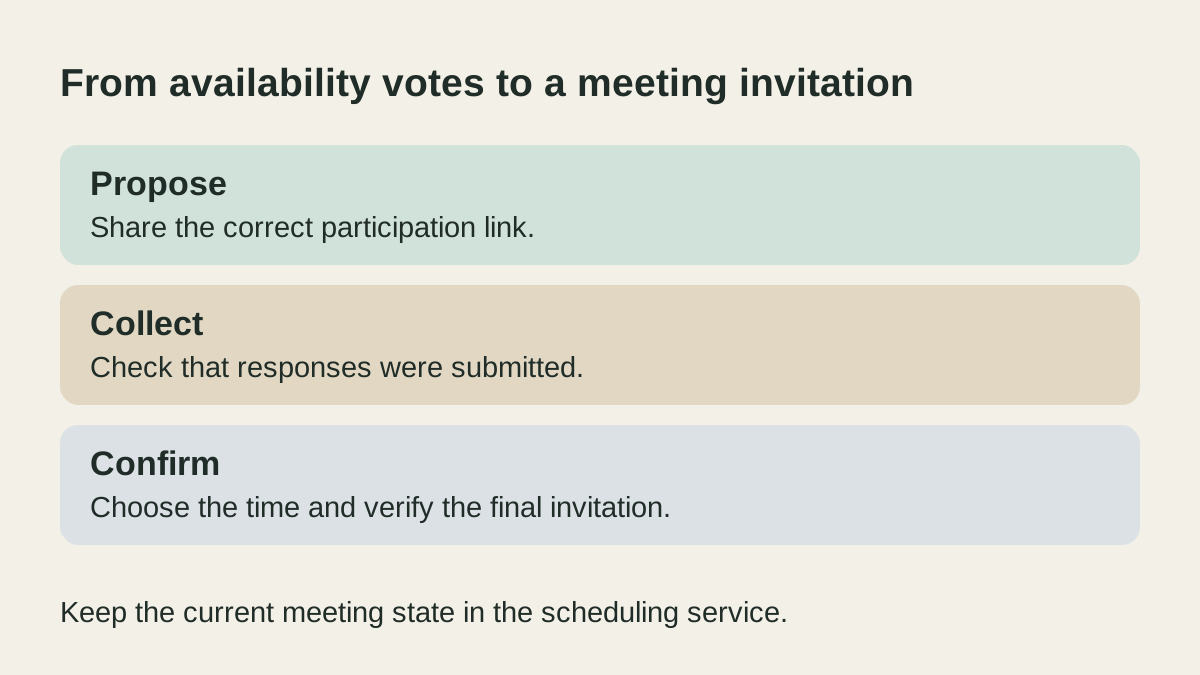
Use a group meeting poll when several people need to compare possible times before you choose one. Doodle and Calendly both document this job, but the plan conditions, response process and reminder options differ. Treat an invitation to vote, a submitted response and a booked meeting as three separate states.
This comparison uses official documentation reviewed on October 29, 2026. We have not created polls, connected calendars, submitted votes, tested phone workflows or sent invitations. Check the intended account and a harmless sample before collecting real participants’ details.
Compare group availability, not a booking page
If one customer simply needs to choose an available appointment, start with the Calendly and Google Calendar appointment comparison. That is a different decision from gathering several people’s availability for the same meeting.
Doodle’s participation guide describes yes, if-needed and no responses to proposed times. Participants do not need a Doodle account, but completing a response requires a name, email and the final submission step. Opening the link is not a submitted vote.
Calendly’s Meeting Polls overview describes account-free voting through a poll link, with up to 40 proposed slots and 40 participants. The page lists all plans, with an account and feature-access caveat. It also says submitted votes cannot be changed, additional time slots cannot be added after publication, and Workflows and rescheduling are not supported for Meeting Polls. Do not apply general Calendly automation claims to this feature.
Check the offer and reminder requirement
Doodle’s plan page lists one Group Poll under Free and additional poll capacity and advanced settings under paid Pro. The label alone does not establish an allowance period or reset rule. Confirm the actual account before planning recurring polls around it.
Its advanced-settings guide places deadlines, automatic reminders and hidden participant settings under Professional. Automatic reminders depend on the timing of the poll and who was invited through the relevant email flow; they are not described as an unconditional reminder for every shared link. Check the conditions if that is essential to the meeting.
For a one-off poll you can follow up manually, compare the actual account allowance and the voting steps your guests will use. Evaluate Doodle’s paid settings when conditional automatic reminders are a requirement. Calendly Meeting Polls is an option when its documented capacity and organizer-led booking fit, and you can handle reminders separately.
| Decision | Doodle | Calendly Meeting Polls |
|---|---|---|
| Participant response | Account-free voting; name, email and final submission documented. | Anyone with the poll link can vote without an account. |
| Offer check | Free plan lists one Group Poll; verify the intended allowance. | Overview lists all plans with account-access caveats. |
| Reminder requirement | Advanced automatic reminders require Professional and have conditions. | Meeting Polls do not support reminder Workflows. |
| Completion | Review final-time and guest handling. | Organizer books the selected time after voting. |
Imagine an owner arranging one review meeting with five people across three possible times. These are fictional requirements. A simple manual reminder may be enough if the owner can check responses and follow up personally. If an automatic reminder is essential, verify the exact feature and timing before sharing anything. A reusable message is not a replacement for that feature.
Close the loop after people vote
Doodle’s troubleshooting guide explains that missing responses can reflect incomplete submission. It also warns that nonresponding guests are not automatically notified when the final time is selected and may need a separate calendar invitation.
Calendly’s setup guide separates sharing the participation link from reviewing results and booking the meeting. The organizer reviews the selected time and invitee list before finalizing; Calendly then sends calendar invitations. Keep the actual invite and meeting details in the scheduling service.
Reuse a neutral invitation, not a confirmation claim
If introducing poll links is a recurring task on iPhone or iPad, Copied can be evaluated for manual wording reuse in compatible draft fields. A possible Key is “Please mark the times that work for you in this poll. I’ll confirm the meeting after reviewing the responses.” Add the current participation link and review the recipient, time zone and meeting context before sending.
Copied does not read votes, check calendar availability, book meetings or send automated reminders. No Doodle or Calendly integration is claimed. The saved-link reuse guide covers maintaining the correct destination. If one direct exchange already settles the time, you may need neither a poll nor another text library.
References
- Doodle, Premium and Free Packages Free lists one Group Poll; paid Pro lists advanced reminders/deadlines/hidden participant settings. No allowance reset period, numerical price or native app claim. Reviewed October 29, 2026.
- Doodle Help Center, How do I participate in a group poll? No participant account required; name/email and completed Submit vote step; yes/if-needed/no responses. No vote submitted, no personal data collected. Reviewed October 29, 2026.
- Doodle Help Center, How do I set a deadline, limit participants, send automatic reminders or make my group poll hidden? Special settings need Professional; automatic reminder timing depends on poll timing and invited nonresponders. Do not promise reminder for every poll or claim a hidden poll is blanket privacy/security assurance. Reviewed October 29, 2026.
- Doodle Help Center, Group Poll troubleshooting and FAQ Copy participation link into message; votes must be fully submitted; nonresponders need separate final invite handling. Exact update date unavailable. Omit numeric option limit because conflicting snippets/help may be stale. Reviewed October 29, 2026.
- Calendly Help, Meeting Polls overview All plans subject to account caveat;40slots/40participants; no Workflows or rescheduling; organizer books after votes. No inference that general Calendly automation or group-event plan applies to Meeting Polls. Reviewed October 29, 2026.
- Calendly Help, How to set up a meeting poll Set timezone/duration, copy participation link, organizer final booking. Documentation review, not configured calendar or tested phone flow. Reviewed October 29, 2026.
- Copied, Copied product overview Manual text/link reuse on compatible iPhone/iPad draft fields; owner review and send. No poll, calendar, availability checking, booking or automatic reminder integration. Reviewed October 29, 2026.