Guides
Copy a Voice Memos Transcript on iPhone: Review the Words Before Reuse
Separate a spoken working note from a customer reply. Copy the passage, check the source and approve the wording before saving it for reuse.
Published , 3 min read, by Copied Editorial team
Copy a short, relevant passage from your Voice Memos transcript, check what was actually said and decide whether it belongs in a customer reply. Use the transcript as working text while you approve the facts and wording for reuse.
This guide reviews current official documentation on November 1, 2026. It describes a proposed workflow for your own non-sensitive work notes. The example is fictional. We have not recorded a memo, measured transcription accuracy or tested cross-app insertion for this guide.
Check whether the native transcript route fits
Apple’s current Voice Memos guide lists audio transcription on iPhone 12 or later, includes English and notes country or region limitations. Check the current language and device conditions on that page.
If your task is evaluating services for an existing audio-file batch, the Otter and Fireflies comparison covers file-count, duration and storage allowances. This guide focuses on text already available in native Voice Memos.
Choose a passage before copying everything
Apple documents opening the existing recording and using its More menu. For selected text, choose View Transcript, select the passage and tap Copy. To take the full text, choose Copy Transcript. The documented next step is pasting into another document, such as a message or text file.
Choose the smallest passage that contains the thought you need. Keep it in a working draft while you review it. A complete transcript may contain unrelated ideas, tentative decisions or details that belong only to one job. Copying more text does not make those details suitable for a reusable reply.
Check the words against the recording
The Apple guide explains that selecting a transcript term places the playhead at that location in the waveform. Use that point in the recording to locate the passage for review. The presence of text does not establish that its names, numbers or meaning are correct.
For a harmless sample, check one short passage and write down the decision it supports. If the spoken note is uncertain, leave that uncertainty visible in your working note. Resolve it before turning the note into a promise to a customer.
Separate a working note from an approved reply
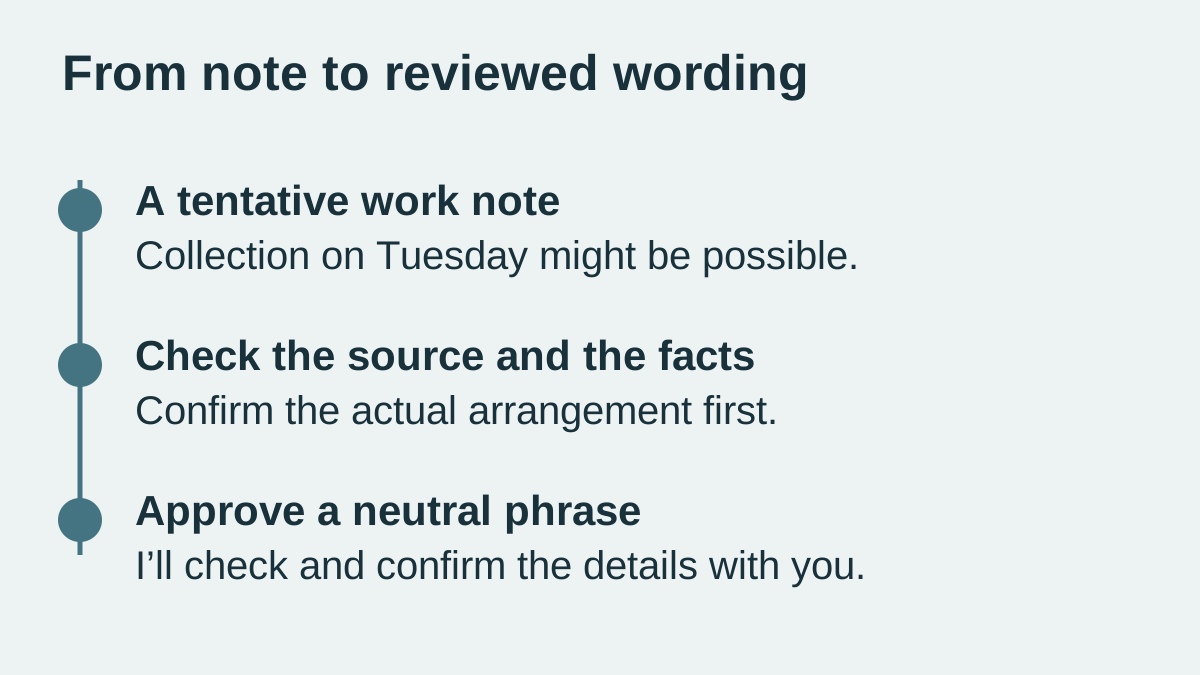
Imagine an owner making a fictional planning note: “We might offer collection on Tuesday; check the opening hours first.” This is an invented example for review, not an observed transcript or business offer.
A small worksheet keeps the decisions clear:
- Working statement: collection on Tuesday is a possibility.
- Required check: the actual opening hours and the individual arrangement.
- Reusable wording candidate: “I’ll check the collection options and confirm the details with you.”
- Case-specific detail: the actual day and time, added only after review.
The candidate reply preserves the need for a check. It does not convert “might” into a confirmed appointment. Apply the same review to names, amounts, dates and instructions before approving any wording for repeated use.
Save only the wording you mean to repeat
If the approved sentence answers a recurring question, Copied can be evaluated for deliberately saving reviewed text and manually inserting it into compatible iPhone or iPad draft fields. Keep the source recording and transcript in the workflow where you review them. Copied is not claimed to record, transcribe, verify or automatically import Voice Memos audio.
The saved-reply guide covers the separate library decision. Start with one neutral phrase you can review easily. Leave personal or one-off details in the current conversation and personalize the inserted text before sending it yourself.
Finish the sample by comparing the source passage, the approved phrase and the final draft. If they imply different commitments, return to the review step. A useful wording library contains decisions you have checked, rather than every sentence available to copy.
References
- Apple, View a Voice Memos transcription on iPhone Apple documents device, language and region limits, copying transcript text and locating a passage in the audio. Device behavior and accuracy were not tested. Recovery and Apple Intelligence features are outside this guide. Reviewed November 1, 2026.
- Copied, Copied product homepage Reviewed text can be saved deliberately and inserted manually into compatible iPhone and iPad draft fields. Copied is not claimed to record, transcribe, verify or automatically import Voice Memos audio. Reviewed November 1, 2026.